My plans Stopped Rotting. Then They Hit 200 Files.
Groundwork 0.4.0 adds an explorer, a file browser for a whole plan folder that is itself one offline HTML file, and a cross-plan plans index: tree, tabbed viewer, full-text search, no server.
TL;DR: Groundwork 0.4.0 ships two new views. groundwork explorer writes a file browser for a whole plan folder: tree on the left, tabbed viewer on the right, full-text search across every document as a single self-contained HTML file that works offline, with no server and no index step. groundwork plans-index writes a card dashboard across all your plans. Both are live to try in your browser right now: the explorer · the design-system gallery · the plans index. Install stays one line: npx skills add royalti-io/groundwork.
Three weeks ago, I wrote about building a planning skill because my plans kept rotting. The fix worked: fenced regions, checksums, and a script that refuses to clobber your hand-written prose. So I started using it on everything, and the plans did what things you actually use do: they grew.
The design system plan for FlowRights, our contract-management product, is now 200 files. Six spine documents, two sub-plans, 96 embedded design mockups, and a drafts folder. The plan board answers “what’s the status” in one glance. What it couldn’t answer was “where did we decide the audit-trail rows use mono timestamps?” Somewhere in those 200 files, in a discussion round or a design note or a tracking entry, I was opening documents one at a time to find it.
The plan wasn’t rotting anymore. It was becoming unfindable.
A file explorer that is one file
groundwork explorer gives a plan folder a second artifact to sit beside the board: an artifact/explorer.html that is a file browser for the whole folder.

The left pane is a tree grouped by what Groundwork knows about the folder: spine, sub-plans, artifact, designs, drafts, with badges I kept wanting and finally built: a drift dot on files that changed since the last Groundwork write, a lock badge on frozen designs, and an unreg flag on files that exist on disk but were never registered in the plan’s state. That last one has already caught orphaned files in three of my own plans.
The right pane dispatches by file type. Markdown renders inline, with the generated regions visibly boxed so you can see exactly which parts are the skill’s and which are yours, the same fence boundary the checksum protects, now something you can see. HTML artifacts and designs open as live previews with a source sub-tab. Images get a lightbox. JSON and code render read-only. Files stay open as closeable tabs, and a metadata rail shows the selected file’s IDs, fence inventory, drift status, and a copy-path button.

The board, the living spec, and the design mockups open as iframe tabs rather than being reimplemented. The explorer is a sibling to the board, not a replacement, but the navigational shell that contains it.
Search that Needs No Server
The search box does filename and full-text matching over every embedded document, with highlighted snippets. The mono-timestamp decision I mentioned earlier is a two-second lookup now: type “timestamp”, read the snippet, click the file.
The reason this works offline is the same reason the whole thing is portable: the document bodies are embedded in the HTML itself. There is no index step, no localhost server, no extension. React, the Markdown renderer, and the sanitizer are inlined and pre-transpiled, so the file opens air-gapped in Claude Desktop as an uploaded artifact or double-clicked from a file manager. Opened from inside the real plan folder, the board and design previews load live; opened as a lone file, the embedded text still renders everything, and the previews degrade to a labeled placeholder instead of a broken frame.
If you read the artifacts post, this is that principle applied to navigation itself: the view of the plan is one more self-contained artifact that the plan produces.
It Opens Differently Depending on the Work
The default view follows the plan’s profile. A software or general plan opens as the tree. A design-system plan opens gallery-first, a grid of live design-mockup thumbnails, lazy-loaded so a 96-mockup system doesn’t choke the tab. A content plan opens media-first: key art, PDFs, slides.

There’s an honest number in the explorer’s header. Embedding every document is what makes the file portable, so the generator works against a 768 KB embed budget: files embed in priority order; spine documents first until the budget is spent, and the rest are referenced instead of embedded. Referenced files still preview live when the folder is served or open in the shell; they just don’t travel inside the lone file, and they’re excluded from full-text search. On the 200-file FlowRights plan, the header reads “19 over budget”; the tool tells you exactly how many fell over the line rather than silently truncating. I’d rather read that in a corner of the header than wonder why a search came back empty.
One Level Up: The Plans Index
Somewhere around the fourth concurrent plan, I lost track of which boards I hadn’t looked at in a week. groundwork plans-index plans/ writes a _index.html one directory up: a card per plan with a work-package progress bar, profile chip, drift indicator, and drill-in buttons to that plan’s explorer, board, and spec.

The buttons disable when the artifact doesn’t exist yet, which quietly turns the index into a “what still needs generating” view. It reads the plans it lists and never writes into them.
The Bookkeeping stays Boring
Everything from the original design carries over. Re-running groundwork explorer is idempotent; a checksum decides whether a byte changes on disk, exactly like the rest of the skill. generate_explorer.py --all-under plans/ --missing-only backfills every existing plan that doesn’t have an explorer yet; that’s how I lit up the older plans in one command. And a watch script regenerates on every edit and reloads the served page, if you want it live while you work.
Like the board, the explorer also lights up inside Ikenga, our local-first desktop workspace. It tracks the shell’s theme, and a file node can send itself to the active chat session. And like everything else about groundwork, you never need the shell. The file stands alone.
Take It
Groundwork is open under Apache-2.0 and runs in plain Claude Code and through the open skills format in Codex, Gemini, Cursor, and dozens of other agents. The explorer and plans-index ship in 0.4.0:
npx skills add royalti-io/groundwork
The docs page covers the details, and the three live demos (explorer · gallery · plans index) render with sample data in any browser, fully offline. If your plans stopped rotting and started sprawling instead, this is the half I built for that.
About the author
Keep reading
All posts →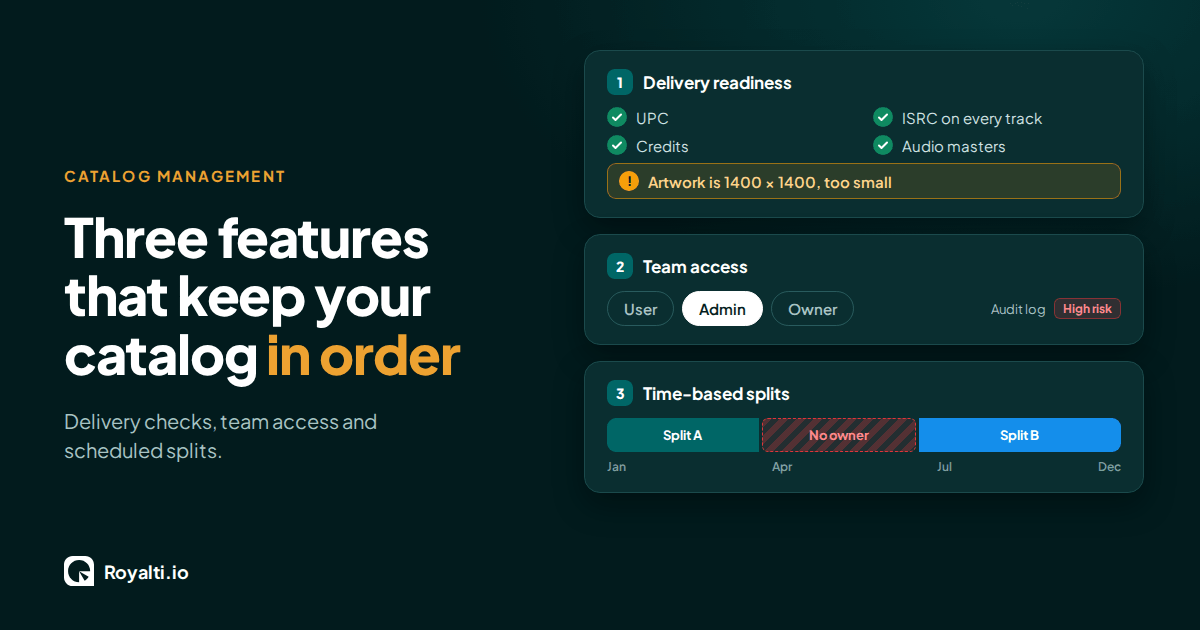
Royalti.io: Three Features That Keep Your Catalog in Order
Delivery checks that stop bad releases, team access you can trust, and splits that change on schedule. Here is how each one works in Royalti.io
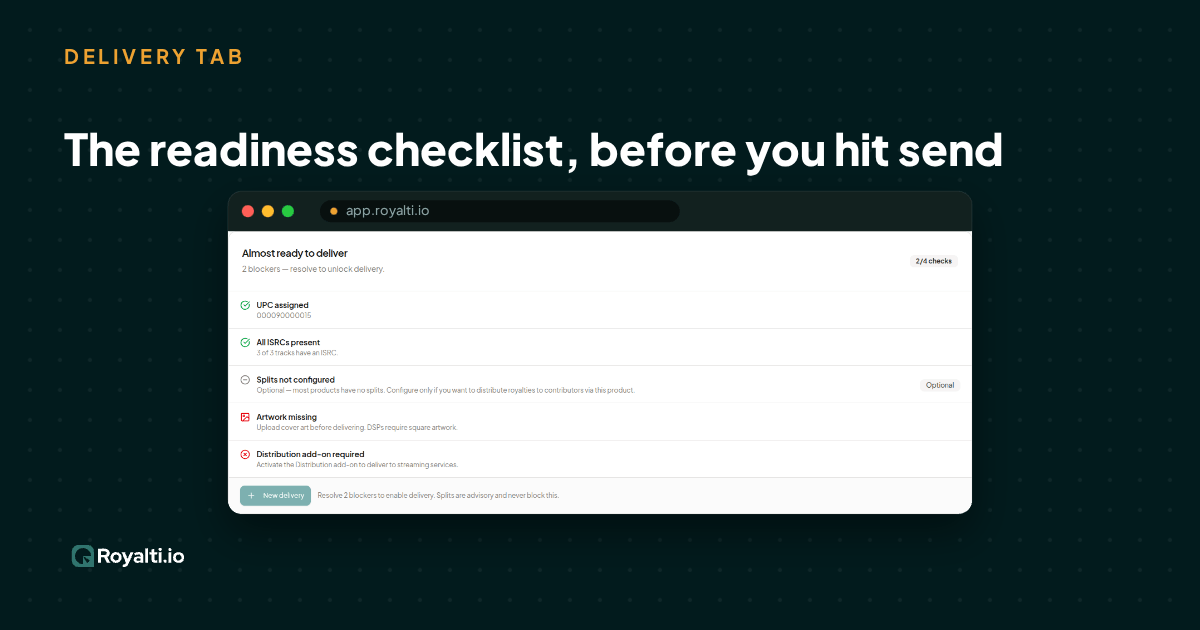
Royalti.io: How We Rebuilt DDEX Delivery
A release can fail on its way to stores without anyone noticing. Here is what broke in our DDEX delivery, how we fixed it, and what you can check first.
AI and Creator Consent 2: Before You Opt In to an AI Music Deal
Your distributor or publisher may already have the right to license your music for AI use. Here is what to ask and what to check for before you say yes.
Comments
No comments yet. Be the first to comment!