Why CWR Files Get Rejected (And How to Spot It First)
Five common reasons a CWR file stalls: record structure, share totals, case and line endings, identifiers, and spreadsheet edits. Check yours free.
A CWR file can look fine and still stall at the society. Most causes are small: a shifted character, a share that does not add up, a number that lost its leading zero.
CWR stands for Common Works Registration. It is the text format publishers use to register works with collecting societies. This post covers five common reasons files get rejected or stall, and how to find each one before you send.
You can check any of them with our free CWR checker. It reads a CWR 2.1 or 2.2 file in your browser. Your file is never uploaded.
How a CWR file is built
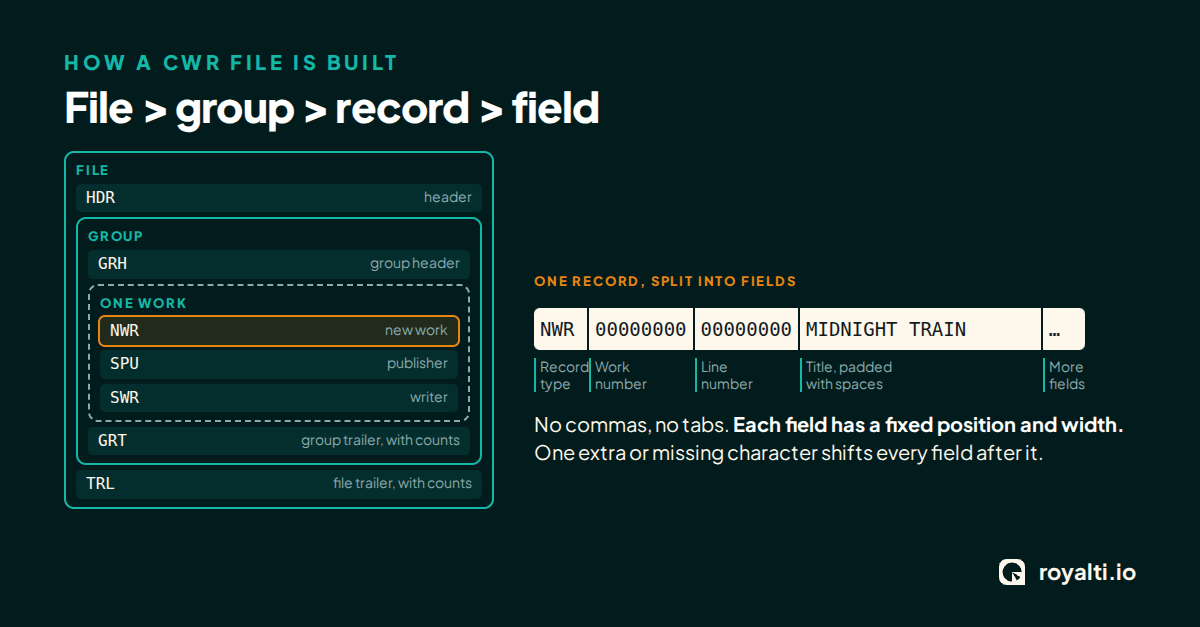
A CWR file is a stack of lines. Each line is one record. Each record starts with a short code that says what it is: a header, a new work registration, a publisher, a writer, and so on.
Records sit inside groups, and groups sit inside the file. The file opens with a header and closes with a trailer. Groups have their own start and end lines too.
Every field has a fixed position and a fixed width. There are no commas or tabs to tell you where one value ends. The position is the only signal.
That is why small errors do so much damage. Everything after a shifted character can land in the wrong field.
1. The record structure is off
Records have an order. A work registration is followed by its publishers and writers, in the order the specification describes. A record in the wrong place, or one that is missing, can make the receiver reject the work or the whole group.
Counts matter too. Trailers carry totals for the records in a group and in the file. If you edit a file by hand and delete a few lines, those totals no longer match what is inside.
What to do: after any manual edit, check the file again. The checker shows every record split into fields, so you can see where a record sits and what it holds.
2. Share totals do not add up
Ownership is written as a share on each publisher and writer line. Shares are stored as numbers with an implied decimal point, so a value that looks like a whole number on the line is a percentage with two decimal places.
The shares for a work have to add up to the right total. How that total is counted depends on the type of right, so two different shares can each look fine on their own and still fail together. Rounding is a common culprit: three equal shares do not divide neatly into 100.
What to do: list the owned shares for each work and read the totals. The Tools tab in the checker has an owned-shares view for this. Check the specification for the exact rule that applies to your right types.
3. Case and line endings
CWR text is upper-case. A lower-case name or title that slipped in from a spreadsheet can break a field check even when the characters look right to a person.
Line endings are the quieter problem. Files made on different systems end their lines in different ways. A file that mixes styles, or that is cut off before its last line, can confuse a receiver that reads line by line.
Both are invisible on screen. You cannot see a line ending in a normal text editor, and a lower-case letter in a long title is easy to miss.
What to do: run the file through a checker that reads it the way a receiver would. Where a rule flags a character, the checker marks the exact characters and links to the specification the rule comes from.
4. Identifiers are malformed
Identifiers tie your records to the right people and works. Three come up most:
- IPI Name numbers are 11 digits. Spreadsheets drop leading zeros, so a number that should read with zeros in front comes back shorter.
- IPI base numbers have their own shape. A typo in one character points the record at the wrong party, or at no one.
- ISWCs follow a set pattern. We check the shape of an ISWC only. We do not check its check digit.
A missing or wrong identifier does not always get a clear error back. Sometimes the work just stays unmatched.
What to do: the Tools tab has a clean-identifiers step. It pads an IPI Name number to 11 digits only when the padded number passes its check digit. If it does not, the tool marks it for a person to look at. We would rather flag a number than guess.
5. A spreadsheet touched the file
Many files pass through a spreadsheet on the way to the society. Spreadsheets reformat. They strip leading zeros, turn long numbers into scientific notation, change dates, and trim trailing spaces. In a fixed-width format, trailing spaces are part of the field.
If your workflow goes through a spreadsheet, treat the output as unchecked until you test it.
What to do: export the works list as CSV from the checker when you need a spreadsheet view. Keep the original CWR file as the file you send, and re-check any file that was edited elsewhere.
A short routine before you send
- Check the file with the CWR checker.
- Read each error and warning. Each one carries a rule ID and a link to the specification.
- Fix the file, or use the Tools tab to find duplicate works, extract a set of works into a new file, or run find and replace.
- Check it again.
The checker runs 172 rules. Its built-in sample file shows what a result looks like: 6 problems in 4,406 checks, made up of 4 errors and 2 warnings.
What the checker cannot tell you
A clean result means the checker found no problems against its rules. It does not mean a society will accept the file. Societies may apply their own rules on top of the specification, and those can change. Treat the result as one useful check, not a guarantee.
Try it on your next file
The checker is free, needs no sign-up, and runs in your browser. Drop in a file and see the records split into fields.
Open the CWR checker or see all our free tools.
If you build software, the engine behind it is open source: @royalti/cwr on npm, MIT licence, on GitHub at Royalti-io/royalti-cwr.
About the author
Keep reading
All posts →
Ghost Singers: The Hidden Voices Behind Our Favorite Songs
From Marni Nixon to Loren Allred, meet the ghost singers whose voices you know but whose names you don't, and why credits matter.
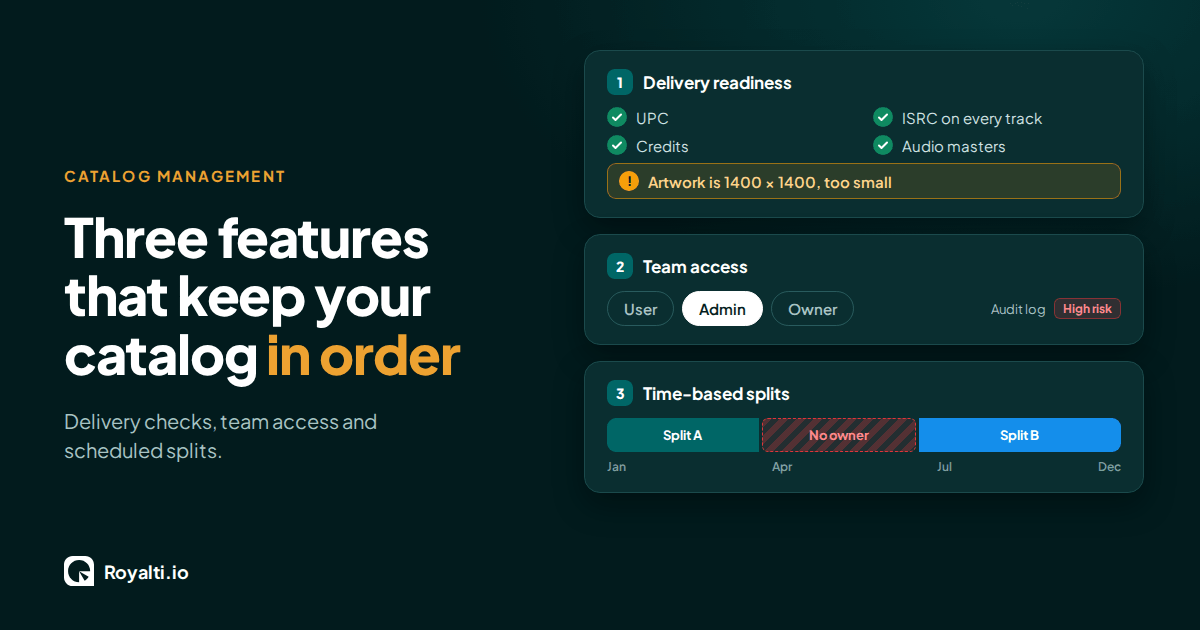
Royalti.io: Three Features That Keep Your Catalog in Order
Delivery checks that stop bad releases, team access you can trust, and splits that change on schedule. Here is how each one works in Royalti.io
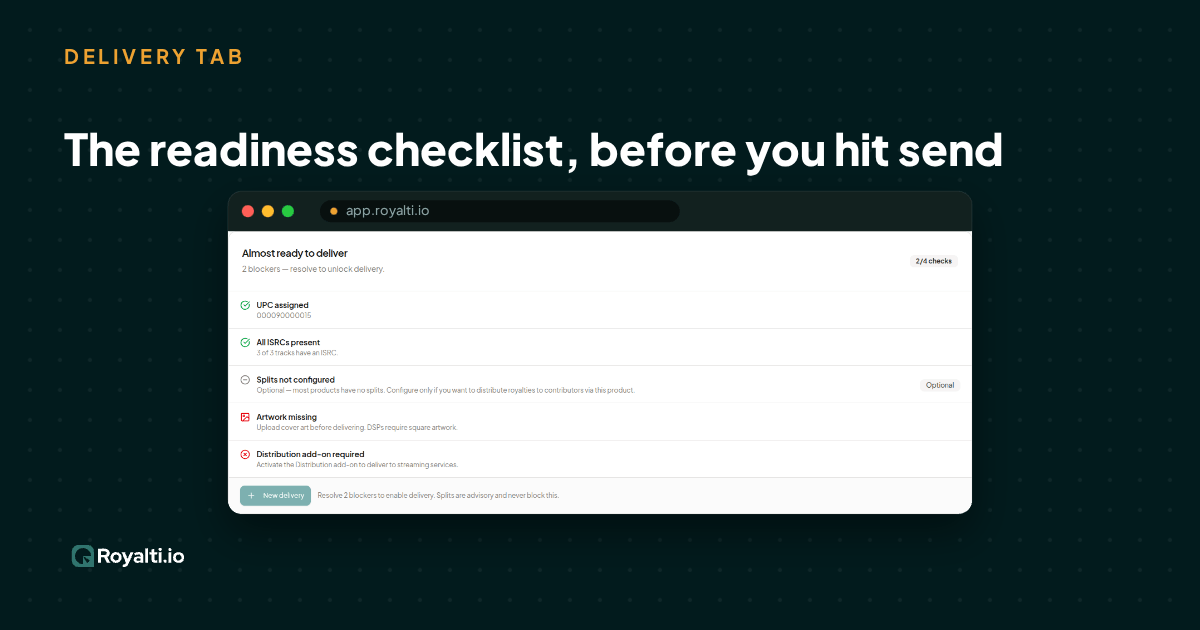
Royalti.io: How We Rebuilt DDEX Delivery
A release can fail on its way to stores without anyone noticing. Here is what broke in our DDEX delivery, how we fixed it, and what you can check first.
Comments
No comments yet. Be the first to comment!