Royalti.io: How We Rebuilt DDEX Delivery
A release can fail on its way to stores without anyone noticing. Here is what broke in our DDEX delivery, how we fixed it, and what you can check first.
Imagine sending out a release without realizing something is amiss until the store rejects it. Many things can cause a release to fail: a field is missing, a file arrives empty, or a check says yes when it should say no. None of these instances will prompt a recheck before you send; the only way to catch the problem is at the point of rejection.
The Royalti.io DDEX delivery was built to serve as a final cross-check just before you hit send. But how did we even get here? This is a breakdown of what went wrong with Royalti.io's DDEX delivery system, how the team fixed it, and what the platform now does to prevent it from happening to you.
What DDEX Delivery Involves
Think of DDEX as an industry standard description tag for every release. It tells stores about the release message, the ERN (Electronic Release Notification), the titles, credits, territories, and also carries the links to the audio and artwork. Although some distributors may choose not to use the ERN, for instance, FUGA accepts a CSV file plus the audio and cover art. Drop them on its onboarding server, and that is sufficient.
Regardless of which route any distributor prefers, a sufficient descriptor requires three things: the metadata, the files, and the handoff. Now, Royalti.io builds that information directly from your catalog; nothing is retyped manually along the way.
The First Version
The delivery system was built in separate pieces that had never been tested together end to end. And when we tried sending a real release from the platform to FUGA's server, it couldn’t finish.
What Broke
As we fixed one problem, that process uncovered another. Between May 29 and 30, 2026, we merged 25 pull requests on delivery. Here are some of the things we found:
First, the upload check was passing when it should have been failing. Cover art was arriving at stores as an empty file, but because the system expected an empty file, it reported no problem. Zero matched zero, and the check passed. An empty upload now fails.
Second, a readiness check was giving false results. A release with no genre stored was counting as having a genre, passing the check, and then failing later when the actual delivery file was being built. Empty lists and blank fields now count as missing.
Third, data was disappearing without any error message. A technical fault was allowing blank fields to overwrite existing information that our data library manages for us, meaning some delivery records were saving without key details attached. The values simply disappeared. We fixed the affected records.
Fourth, a media conversion tool called ffmpeg, needed to format audio files for stores, was installed in the wrong location on the server. It worked on the development team's laptops but not on the live server, so audio was being left out of deliveries entirely. We now ship the tool inside the app.
What We Learned
The system had never run end to end, so we ran it end to end. We fixed one problem, deployed, sent a real release again, and read the next error.
What Changed
A Readiness Checklist
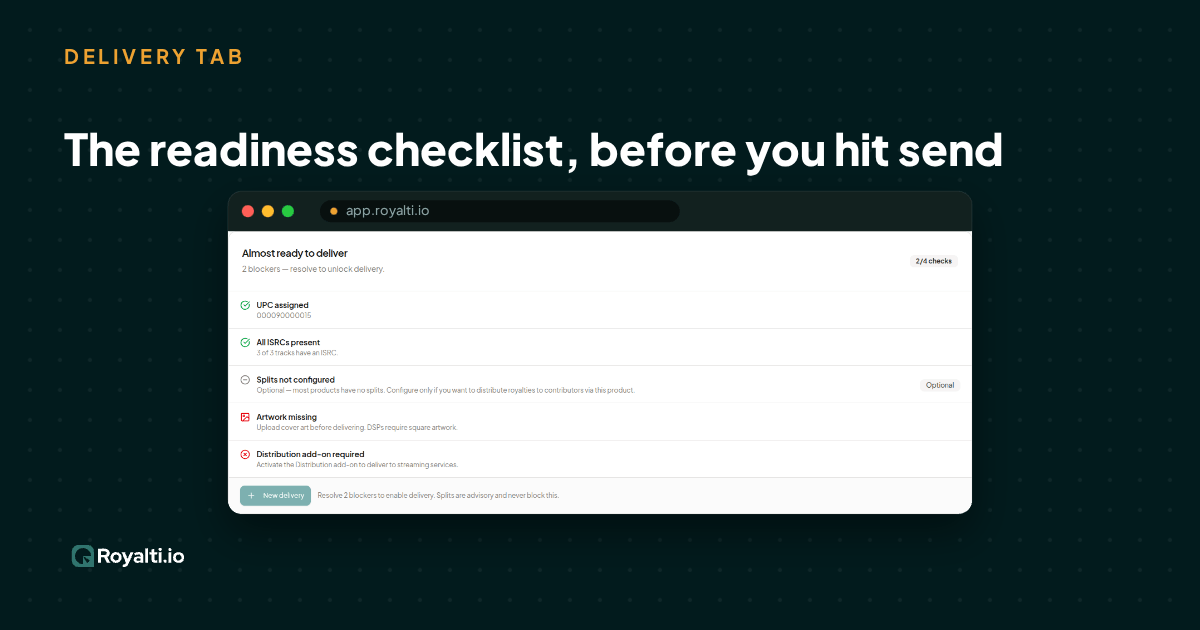
In the system that exists now, the Delivery tab runs a readiness checklist before a release is sent, covering UPCs, ISRCs, label information, track language, artwork dimensions, audio masters, and credits. If something is wrong, it tells you exactly what the problem is, such as a cover that is too small, with its dimensions. Splits show as advice, not a blocker.
Visibility
You can see which files were uploaded and browse the folder on the provider's server.
Retry All Failed
Failed deliveries for a release can be requeued in one action, and it reports on how many were requeued, skipped, or couldn't be queued.
Auto-delivery
Auto-delivery is now available. Turn it on and new releases go to FUGA automatically once they are ready.
Bulk Import
Load catalog data from a CSV with a live preview, instead of entering it product by product.
Audio As You Made It
The ability to upload audio in WAV or FLAC format, and we send your file as it is.
Guided Setup
A step-by-step wizard connects FUGA and tests the connection before you go further.
What Still Requires Manual Support
Now, there are still a few things on the system that make it shy of a full self-serve for now. And that is the takedowns and re-delivery after correcting metadata. Those still go through your provider or our support team. We already pick up the resulting status change, so your delivery state stays accurate.
Check Your Next Release
Open a release, go to its Delivery tab, and read the checklist before you send. Delivery needs the DDEX and Deliveries add-on. If you don't see it, ask your account owner or contact Royalti.io support.
About the author
Keep reading
All posts →
Ghost Singers: The Hidden Voices Behind Our Favorite Songs
From Marni Nixon to Loren Allred, meet the ghost singers whose voices you know but whose names you don't, and why credits matter.
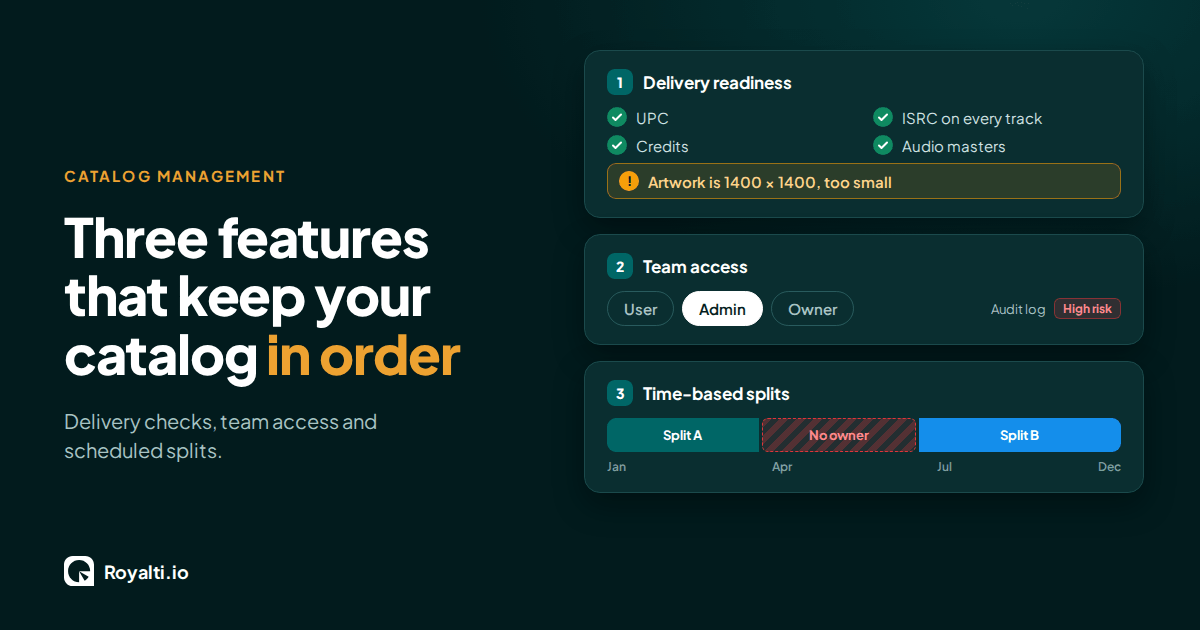
Royalti.io: Three Features That Keep Your Catalog in Order
Delivery checks that stop bad releases, team access you can trust, and splits that change on schedule. Here is how each one works in Royalti.io
AI and Creator Consent 2: Before You Opt In to an AI Music Deal
Your distributor or publisher may already have the right to license your music for AI use. Here is what to ask and what to check for before you say yes.
Comments
No comments yet. Be the first to comment!