Managing Wallets and Beneficiaries with Verto on Royalti.io
Managing Wallets and Beneficiaries with Verto on Royalti.io
The Verto integration on Royalti.io allows you to seamlessly manage your wallets and beneficiaries, making payment processing easier and more efficient. This article will guide you through the process of viewing your wallets, tracking transactions, and adding new beneficiaries.
Viewing Wallets and Transactions
Sign in to Your Royalti.io Account
Log in to your Royalti.io account and select your desired workspace.
Navigate to Verto
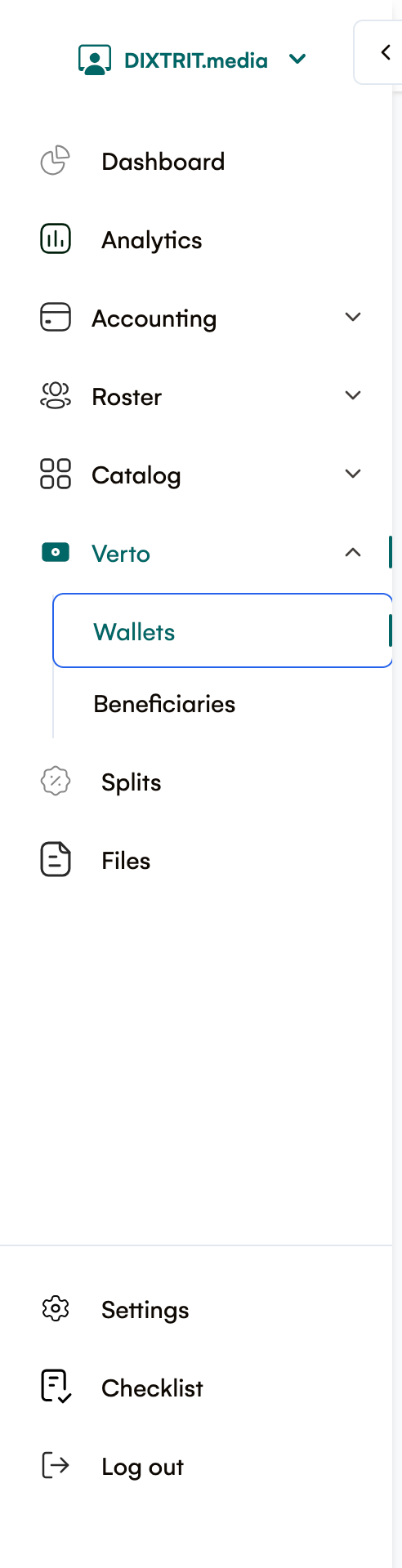
On the left navigation sidebar, click on Verto and then select Wallets.
View Your Wallets
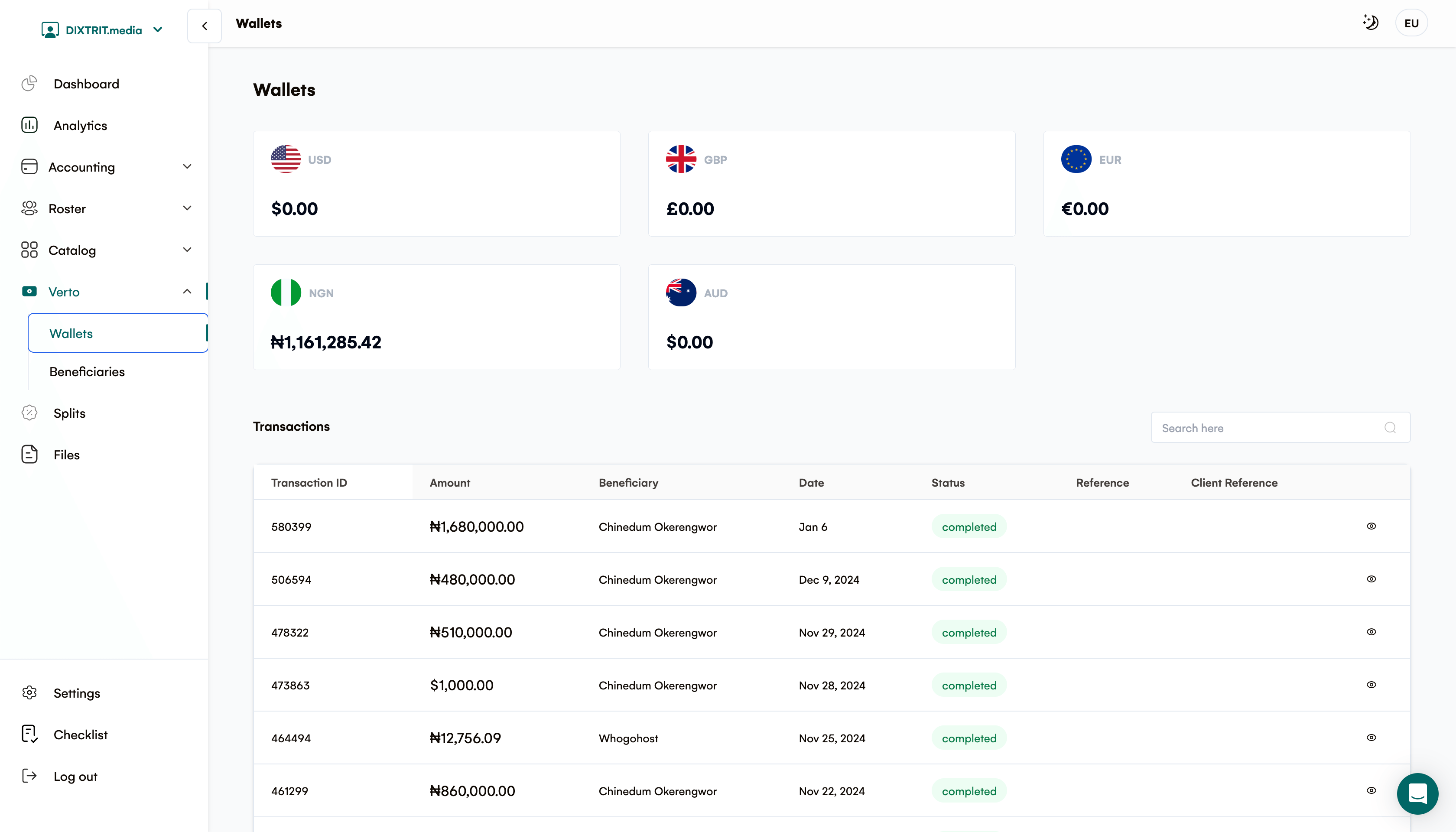
You will be directed to a page where you can view your wallets in various currencies. Below the wallets, you’ll find a table displaying all your transactions with the following columns:
-
Transaction ID
-
Amount
-
Beneficiary
-
Date
-
Status
-
Reference
-
Client Reference
Adding a Verto Beneficiary
Navigate to Beneficiaries
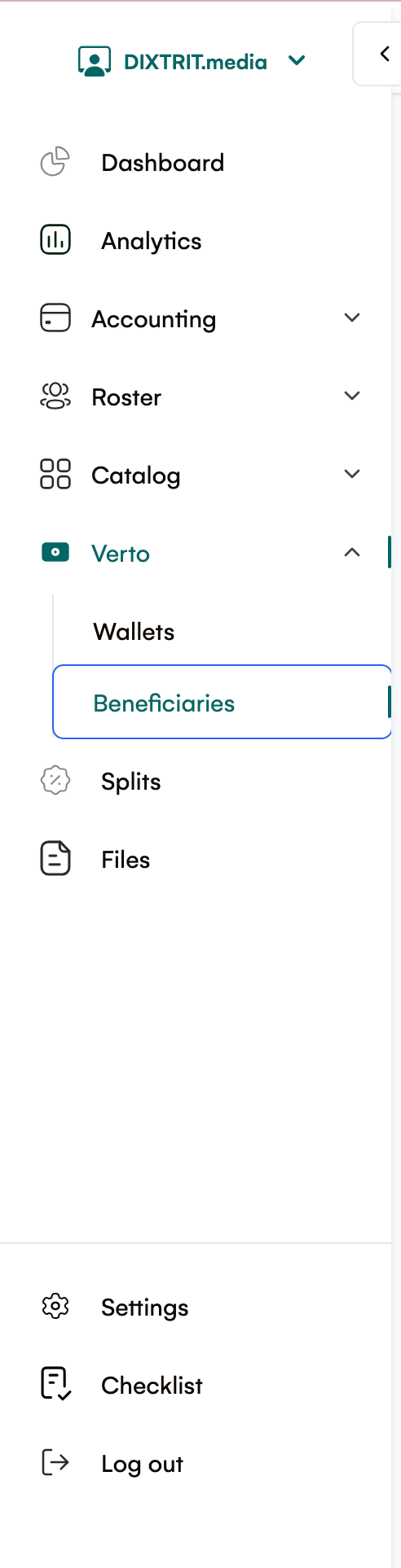
On the left navigation sidebar, click on Verto and then select Beneficiary.
View Existing Beneficiaries
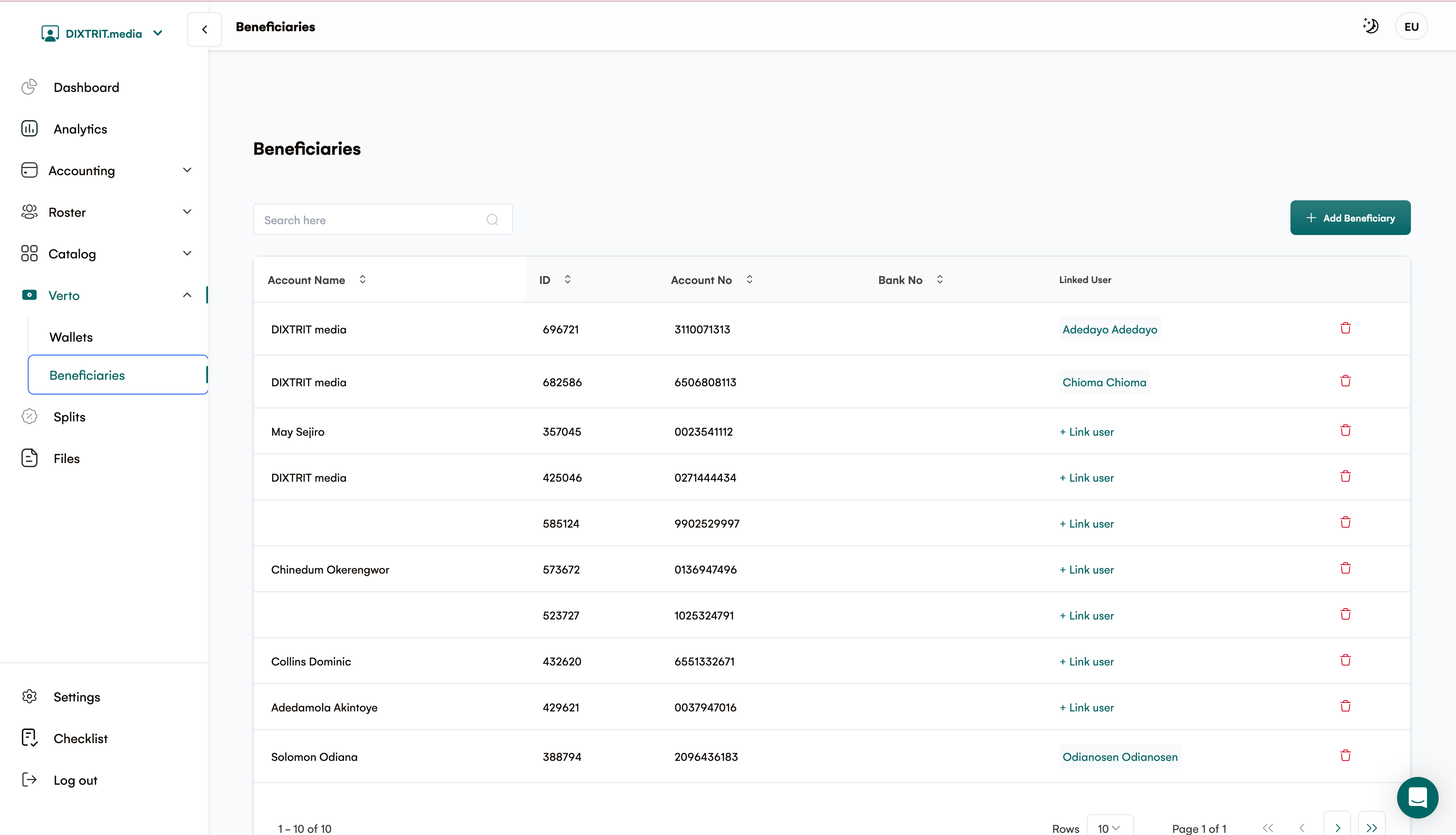
You will be directed to the Beneficiaries page, where you can see a table of already added beneficiaries. The table includes the following columns:
-
Account Name
-
ID
-
Account No
-
Bank No
-
Linked User
3. Add a New Beneficiary
-
Click the "Add Beneficiary" button located at the top right of the table.
-
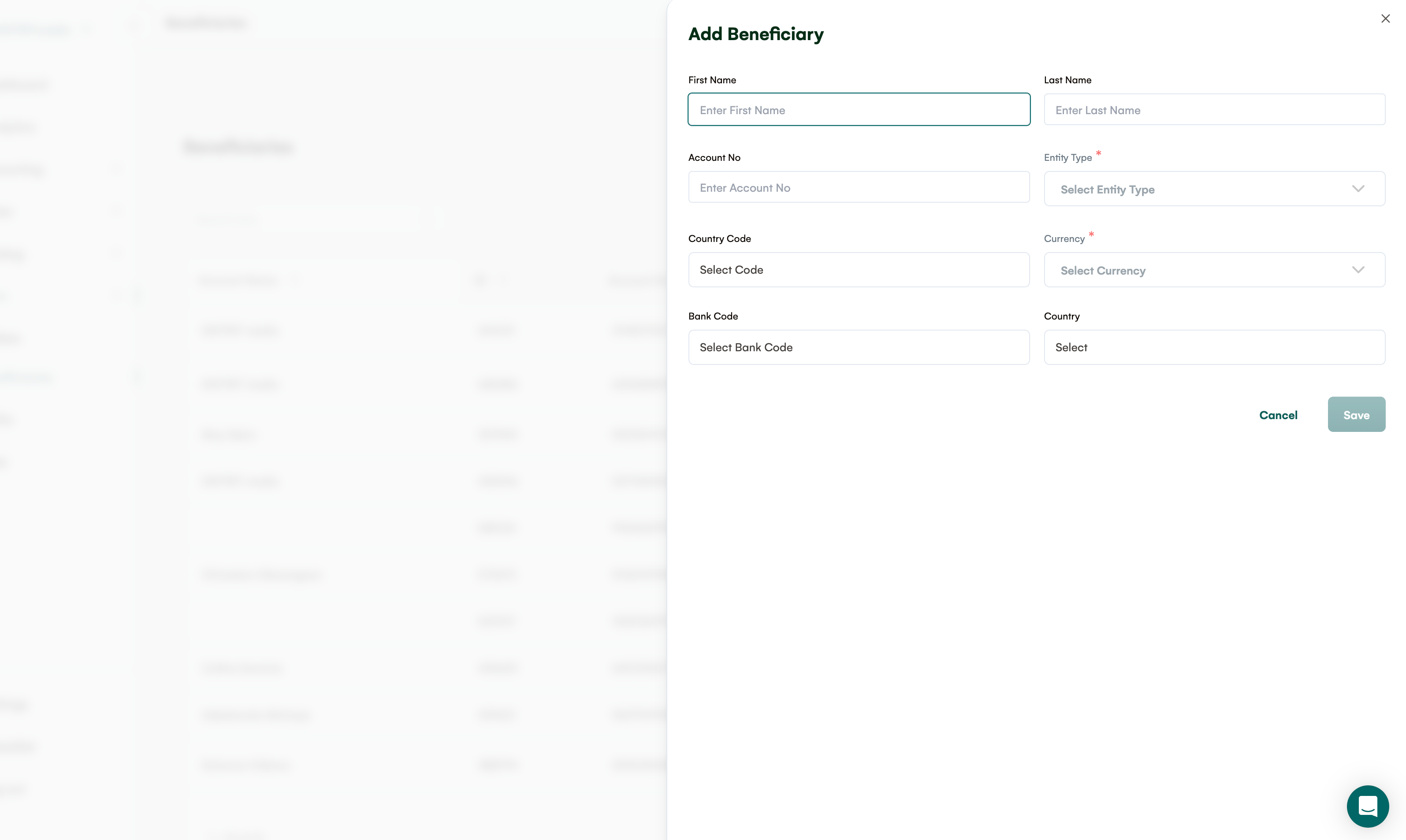
A modal will appear on the right side of the screen. Fill in or select the following details:
-
First Name
-
Last Name
-
Account No
-
Entity Type*
-
Country Code
-
Currency*
-
Bank Code
-
Country
-
Click Save to add the beneficiary or Cancel to discard the changes.
Need Further Assistance?
If you encounter any issues or have questions about the Verto integration, please reach out to our support team at support@royalti.io or visit our Help Center.
We’re here to help you make the most of your Royalti.io experience!
Note: Fields marked with an asterisk () are required.*
Related articles
Managing Payment Items in Royalti.io
This guide explains how to view, edit, and delete payment of the Accounting Management system. Getting Started To manage individual accounting items: 1. Log in to your Royalti.io account 2. Select...
Managing Royalty Sources
Overview The Royalty Sources feature allows you to manage and download royalty data from various platforms. This guide walks you through accessing, managing, and modifying your royalty sources....
Activating and Managing the Releases Feature - The Admin
What is the Releases Feature? The Releases feature is a comprehensive music submission and approval workflow system that allows your users to submit music releases for review and automatic catalog...
Still stuck?
Support answers within one business day — usually much faster.