How to Download Metadata for Products on Royalti.io
How to Download Metadata for Products on Royalti.io
The Download Metadata feature lets you export metadata for artist products in various formats, such as Fuga and Toolost. This ensures flexibility by supporting different metadata standards for your needs.
Follow these steps to download metadata seamlessly:
Step 1: Log In
Sign in to your Royalti Workspace with your credentials.
Step 2: Navigate to the Products Page
On the sidebar navigation menu, click on the "Catalog" dropdown.
Select "Products" to access the product management page.
Step 3: Select Products
On the product page, you’ll see a table listing all products.
Select one or more products whose metadata you want to download.
Click on the three-dot menu at the top of the table.
Choose "Download Metadata" from the dropdown options.
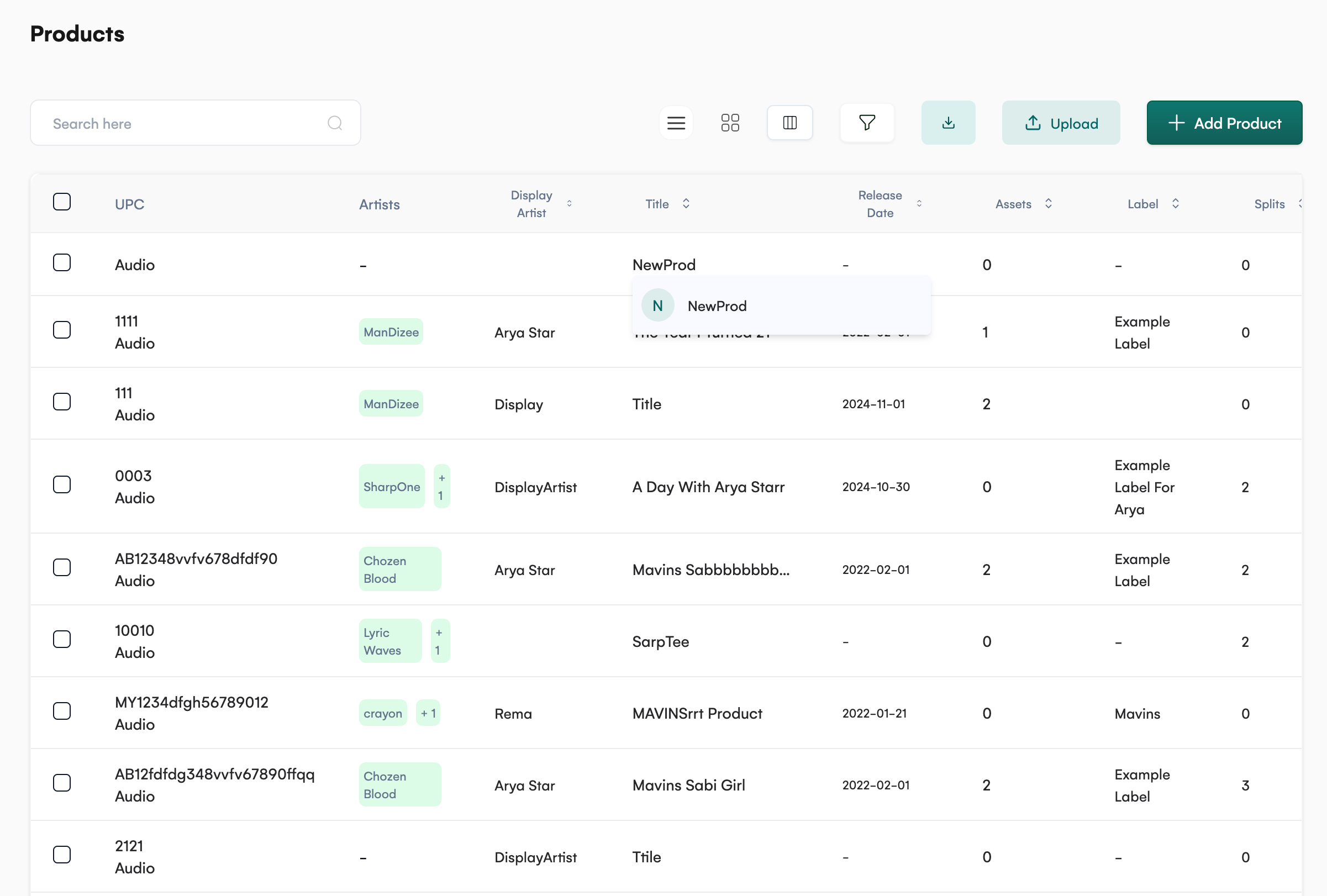
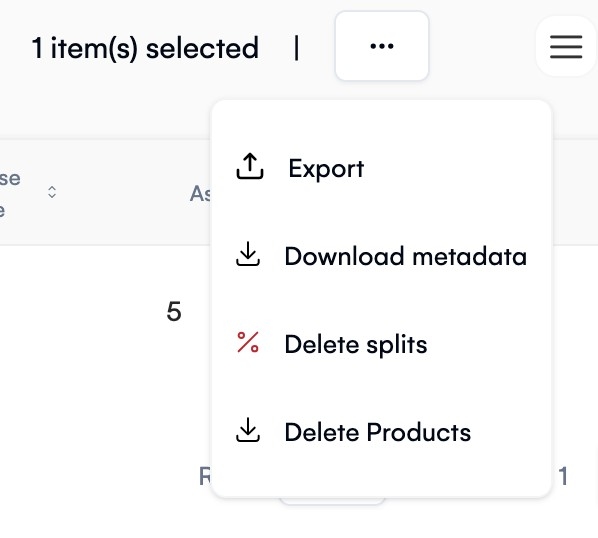
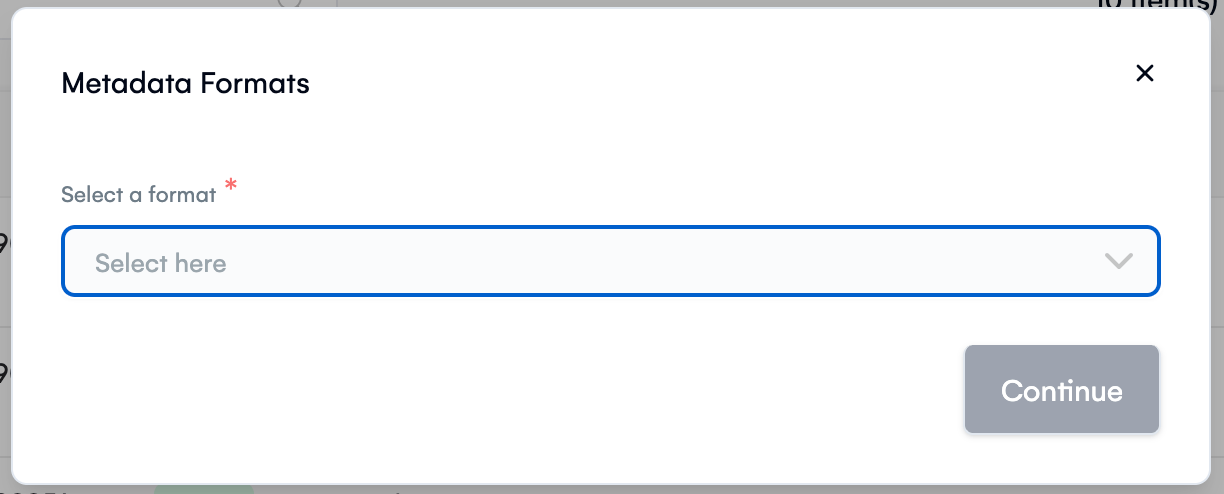
Step 4: Choose Metadata Format
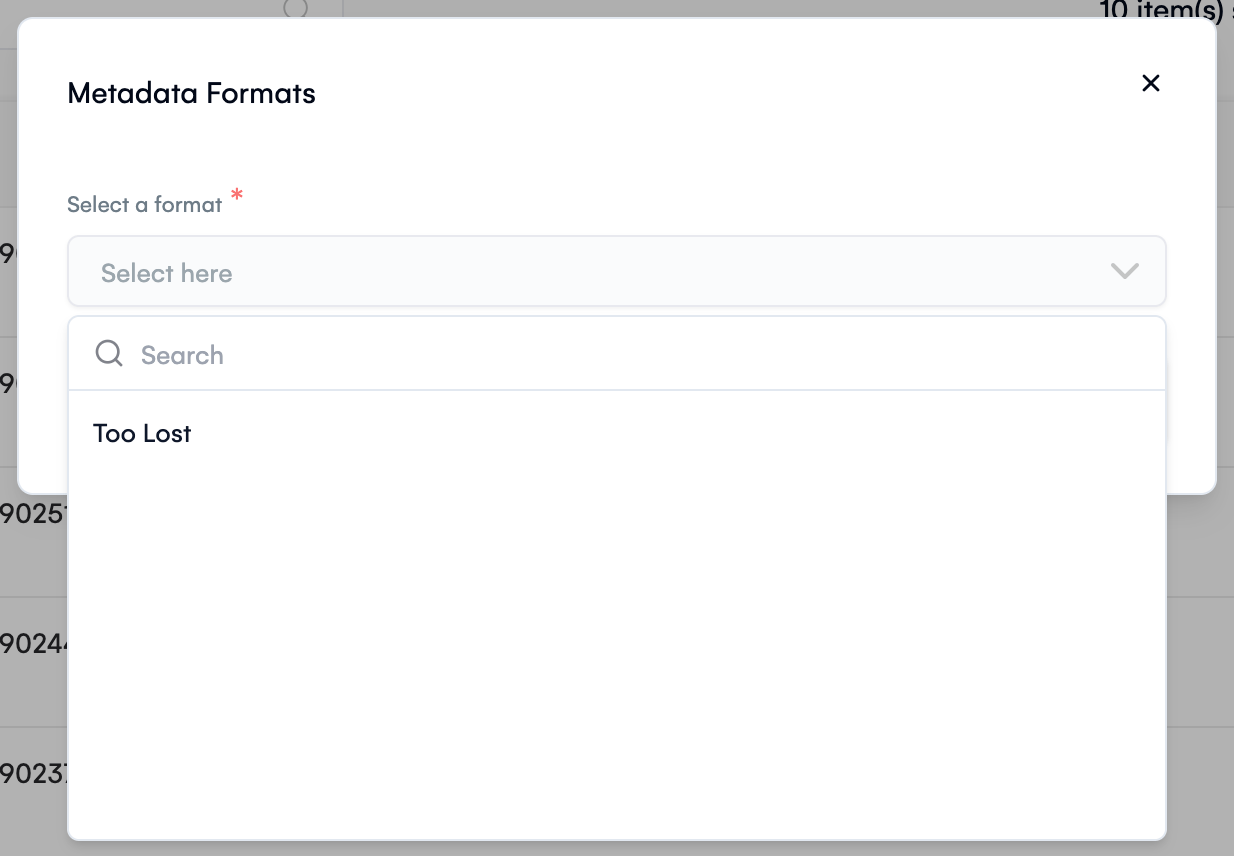
A modal will appear, allowing you to select the desired CSV format.
From the dropdown menu, choose between:
-
Fuga
-
Toolost
Click "Continue" to initiate the download.
Key Features
-
Multiple Formats: Download metadata in formats like Fuga and Toolost to meet various standards.
-
Bulk Selection: Export metadata for multiple products at once to save time.
-
User-Friendly Interface: Simple steps to access and customize metadata downloads.
With this feature, managing and exporting product metadata is more efficient than ever. Explore it now to streamline your workflow!
Related articles
Managing Payment Items in Royalti.io
This guide explains how to view, edit, and delete payment of the Accounting Management system. Getting Started To manage individual accounting items: 1. Log in to your Royalti.io account 2. Select...
Managing Royalty Sources
Overview The Royalty Sources feature allows you to manage and download royalty data from various platforms. This guide walks you through accessing, managing, and modifying your royalty sources....
Activating and Managing the Releases Feature - The Admin
What is the Releases Feature? The Releases feature is a comprehensive music submission and approval workflow system that allows your users to submit music releases for review and automatic catalog...
Still stuck?
Support answers within one business day — usually much faster.