What is MCP? AI Assistants Meet Your Royalty Platform
Imagine asking your AI assistant to analyze your royalty—and having it actually access your real data. That's what the MCPs makes possible.
Imagine an AI assistant you could prompt with, “pull up my Spotify royalties from last month and analyze them,” and it's done. With the Model Context Protocol (MCP), you no longer have to imagine it. It is now possible to connect an AI assistant to your royalty platform and have it securely access and analyze your data.
The Problem with AI Assistants
If you have ever used ChatGPT or Claude for music business questions, you must have experienced their limitation: they can talk about your royalties, but they can't access them.
For example, if you want to know your Q1 earnings from Apple Music, typically, you have to download the CSV, upload it to the chat, and then ask for analysis. In this case, the AI helps with calculations, but you are still doing the heavy lifting, ie, manually logging into platforms, exporting files, and copying data.
With platforms like DistroKid or CD Baby, the process is even more layered. You first download your statement, open it in Excel, filter by platform, and then calculate totals. Although AI can help with the math, the question is: who handles the data gathering?
For music professionals juggling 5-10 different platforms, this manual workflow consumes hours every month. AI assistants are powerful tools, but in these scenarios, they are reduced to little more than calculators and advisors. It is now time to integrate these tools into your actual business data.
First Things First: What is Model Context Protocol?
The Meaning of MCP
In simple terms, the Model Context Protocol is a standardized way for AI assistants to connect to your tools and data. It was announced in November 2024 by Anthropic, the makers of Claude. MCP provides what the company described as a "universal, open standard for connecting AI systems with data sources."
Think of MCP like a USB-C port for AI applications. Just as USB-C provides a standardized way to connect your devices to a wide range of accessories, MCP provides a standardized way to connect AI models to different data sources and tools.
Before MCP, developers faced what Anthropic calls the "N×M problem", where each AI application needed custom connectors for each data source. With 5 AI tools and 10 data sources, you would need 50 separate integrations. With MCP, each AI and each data source connects to MCP once. That's 15 integrations instead of 50.
So, How Does the MCP Work?
Continuing the USB-C analogy, MCP functions as a central connector, and it operates through three core components working together:
- The Claude Desktop: This is where you type your questions in plain English. It’s the interface you are already familiar with.
- The MCP Server: This acts as the translator between your AI assistant and your business tools. When you ask Claude to "upload my Spotify statement," the MCP Server converts that natural language into the specific API calls that your royalty platform understands.
- Royalti.io (or data source): This receives those API calls and returns your actual data: earnings, catalog info, or processing status, which then flows back through the MCP Server to Claude.
The magic is in that two-way communication. Claude doesn't just receive data; it can upload files, generate reports, and create distribution packages, all through natural language commands.
MCP vs. ChatGPT Plugins
So, how is the MCP different from what you might already be using?
Regular AI chat
Here, the AI relies solely on its training data. It can explain concepts like how Spotify royalties work, for example, but it cannot tell you what you earned last month.
ChatGPT Plugins
These offered is vendor-specific connections that are only available within ChatGPT. If you switched to Claude or another AI assistant, your integrations did not come with you. The plugin ecosystem was also limited to OpenAI-approved options.
MCP
MCP is an open standard that works across different AI assistants. The same Royalti MCP Server that connects to Claude Desktop can also work with ChatGPT or Google Gemini. You build the integration once, and it works everywhere.
Let’s Talk About The Royalti MCP
What You Get
Royalti's MCP Server turns Claude into a capable assistant for your royalty management workflows:
Natural language commands: This means that instead of navigating through your dashboard, clicking through menus to upload a statement, you can simply type "Upload the Spotify file in my Downloads folder."
Direct workspace access: No more exporting CSVs to share with AI. Claude sees your real revenue numbers, your actual catalog, and your current processing status.
Real-time data: When you ask about this month's earnings, you get today's numbers, not a stale export from last week.
Two-way interaction: This process enables actions, not just queries. Claude can upload files, generate DDEX packages, create reports, and trigger processing, all through conversation.
Real-World Use Cases
Here are examples of what you can actually DO with Royalti MCP, with natural language prompts you can employ.
File Upload & Processing
The Old Way:
Log into Royalti → Navigate to Analytics → Click Upload → Choose File → Select Source → Wait for confirmation
The MCP Prompt:
"Upload my Apple Music statement at ~/Downloads/apple-music-jan-2024.xlsx."
Claude accesses the file on your computer, automatically detects it's from Apple Music, uploads it to Royalti, and confirms when processing begins. What took 2-3 minutes of clicking now takes 10 seconds of typing.
Analytics And Reporting
The Old Way:
Log into dashboard → Navigate to Analytics → Set date filters → Select platform filter → Export data → Open in Excel
The MCP Prompt:
"How much did I earn from Spotify in Q1 2024?"
Claude queries your Royalti workspace analytics and responds instantly:
"You earned $1,247.89 from Spotify in Q1 2024. Here's the monthly breakdown:
- January: $412.33
- February: $389.12
- March: $446.44
Your top earning track was 'Midnight Drive' at $287.65."
No navigation, no exporting, no Excel. Just answers from your real data.
DDEX Generation
The Old Way:
Navigate to releases → Select product → Fill out DDEX form → Enter metadata → Choose provider → Validate → Download package
The MCP Prompt:
"Generate DDEX ERN for my album 'Midnight Drive' to send to Spotify."
Claude searches your catalog, finds the right product, generates the industry-standard Electronic Release Notification XML, validates it against Spotify's requirements, and provides a download link. One command replaces 30 minutes of form-filling.
Troubleshooting & Monitoring
The Old Way:
Check multiple dashboards → Look for error indicators → Navigate to logs → Search for failures → Interpret error codes
The MCP Prompt:
"Check my DDEX queue status and show any failed jobs."
Claude scans your queue, identifies problems, and explains them in plain language. For example:
"You have 3 jobs in the queue:
- 2 completed successfully
- 1 failed: Product abc-123 missing required field 'ISRC.'
The ISRC code is missing from your track metadata. You can add it in the catalog and retry the delivery."
Proactive monitoring without constant dashboard checking.
Multi-Step Workflows
The Old Way:
Run query 1 → Export → Run query 2 → Export → Open both in Excel → Create formulas → Calculate differences → Format results
The MCP Prompt:
"Analyze revenue for all artists in December, compare to November, and flag any that dropped more than 20%."
Claude chains multiple operations: fetches December data, fetches November data, calculates changes for each artist, applies your 20 percent threshold, and presents findings. For example:
"3 artists saw revenue drops exceeding 20%:
- Artist A: -23% ($1,200 → $924)
- Artist B: -28% ($890 → $641)
- Artist C: -31% ($2,100 → $1,449)
Would you like me to analyze which platforms drove these decreases?"
Complex analysis that would take 30 minutes manually, delivered in seconds.
Why This Matters for Music Professionals
Time Savings
Let's quantify the impact. A typical independent label or artist manager handles these monthly tasks:
- Download statements from 5 DSPs: 15 minutes
- Upload to the Royalti platform: 10 minutes
- Run analytics queries: 20 minutes
- Generate reports for artists: 15 minutes
- Create DDEX packages for 2 releases: 60 minutes
Total manual time: 2 hours per month
With MCP, the same workflow becomes:
- Upload statements: 2 minutes (one batch command)
- Analytics queries: 5 minutes (natural language)
- Reports: 1 minute (automated generation)
- DDEX packages: 2 minutes (two prompts)
Total MCP time: 10 minutes per month
That's 1 hour and 50 minutes saved every month, or nearly 23 hours per year, the equivalent of three full workdays are returned to you annually.
Accuracy
Manual work introduces errors like copy-paste mistakes, wrong date filters, or Excel formula bugs. They happen. MCP eliminates these and replaces them with:
API-level access: That means data comes directly from the source and not through manual export/import cycles.
Automated validation: Which checks data integrity before processing.
Consistent formatting: That ensures your analytics always use the same calculation methods, date ranges, and grouping logic.
Accessibility
Not everyone on your team wants to learn complex dashboard navigation patterns. MCP makes data accessible to everyone irrespective of their technical know-how. It achieves this through simplicity in language. Using Natural language to ask and receive answers. No learning curve for new features. When Royalti adds a new capability, Claude already knows how to use it through the API. Lastly, Democratized insights, which means that data access is no longer gated by technical knowledge.
How to Get Started
You Will Need
Four simple requirements:
- Royalti workspace account - Your existing account works
- Claude Desktop application - Free download from claude.ai
- Workspace API key - Generated in your Royalti settings (takes 30 seconds)
- 15 minutes - One-time setup following our guide
Next Steps
Follow our MCP Server Setup Guide to connect your AI assistant in just 5 minutes.
Then continue to Part 2 to see practical Automation Workflows that can save you 6-9 hours per month.
Frequently Asked Questions
Do I need to be technical to use MCP?
No. If you can type a question in natural language, you can use MCP. You don't write code, you don't edit config files after initial setup, and you don't need to understand APIs.
Does this work with ChatGPT or other AI assistants?
MCP is now supported across all major AI platforms. Your Royalti MCP integration works with Claude Desktop, ChatGPT, and Gemini, no changes needed.
Is my data secure?
Yes. Your API key is stored locally on your computer in the Claude Desktop configuration file, not in the cloud. All communication between Claude, the MCP Server, and Royalti uses HTTPS encryption. The MCP Server runs on your machine, giving you complete control over what data Claude can access. You can rotate or revoke your API key at any time from Royalti's settings.
What if I don't use Claude Desktop?
MCP requires a compatible AI assistant. Claude Desktop is currently the most mature implementation with the best support for local MCP servers. As MCP adoption grows (with confirmed support from OpenAI and Google), you'll have more choices. The good news: because MCP is an open standard, your Royalti integration will work with any MCP-compatible assistant without changes.
Do all Royalti features work through MCP?
Most core features work through MCP, including file uploads, analytics queries, catalog search, and accounting reports. DDEX generation requires a paid Royalti subscription with the addons feature enabled. We are continuously adding new MCP tools as the platform evolves. When new features launch in Royalti, they typically become available through MCP within the same release cycle.
The Bigger Picture
The Model Context Protocol represents a shift in how AI assistants interact with business tools. For music professionals managing royalties across multiple platforms, MCP transforms your AI from a conversational helper into a capable assistant that can actually DO the work.
We're at the beginning of this transformation. MCP launched just over a year ago, and already three major AI platforms have adopted it. The Linux Foundation now governs the protocol, with backing from Anthropic, OpenAI, Google, Microsoft, and AWS.
For the music industry specifically, Royalti's MCP integration is pioneering. No other royalty management platform offers this level of AI integration. As MCP becomes ubiquitous, natural language access to your business data will feel as normal as touchscreens do today.
The question isn't whether you'll eventually use something like MCP. It is whether you'll be an early adopter who gains the competitive advantage now, or wait until it is standard practice.
Series Navigation: Royalti MCP Series
- Part 1: What is MCP? (you are here)
- Part 2: Automation Workflows - Save 6-9 hours monthly
Setup Guide: How to Connect to the Royalti MCP Server
Sources
- Introducing the Model Context Protocol - Anthropic
- Introduction - Model Context Protocol - Official Documentation
- OpenAI adopts rival Anthropic's standard for connecting AI models to data - TechCrunch
- Model Context Protocol - Wikipedia
- Getting Started with Local MCP Servers on Claude Desktop - Claude Help Center
- One-click MCP server installation for Claude Desktop - Anthropic Engineering
- Donating the Model Context Protocol and establishing of the Agentic AI Foundation - Anthropic
About the author
Keep reading
All posts →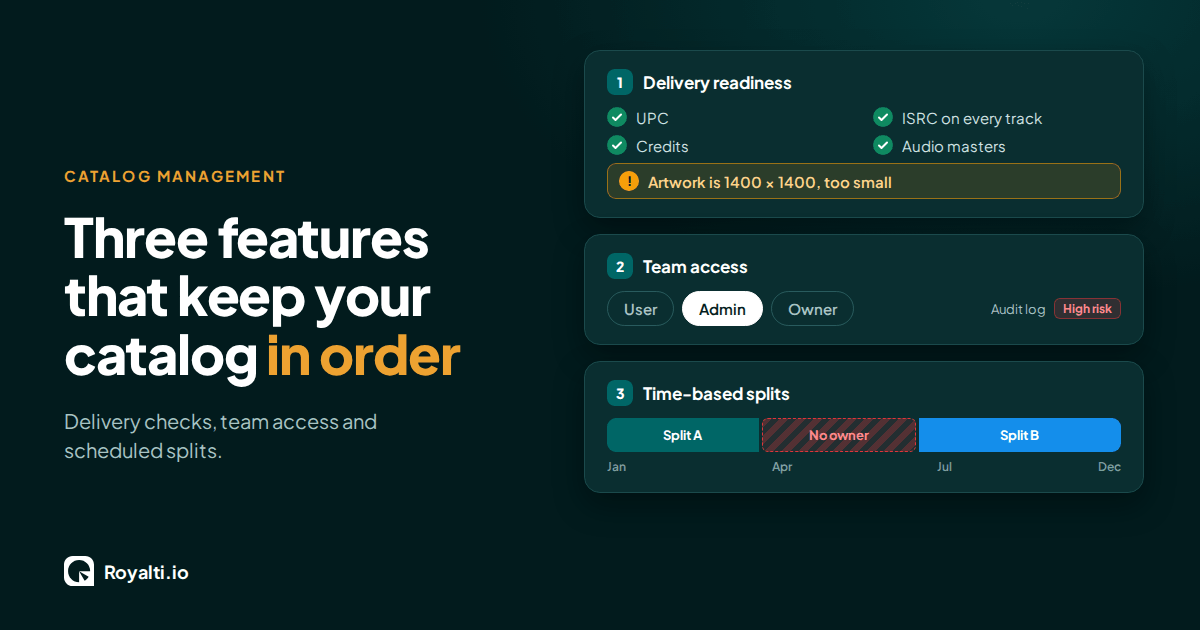
Royalti.io: Three Features That Keep Your Catalog in Order
Delivery checks that stop bad releases, team access you can trust, and splits that change on schedule. Here is how each one works in Royalti.io
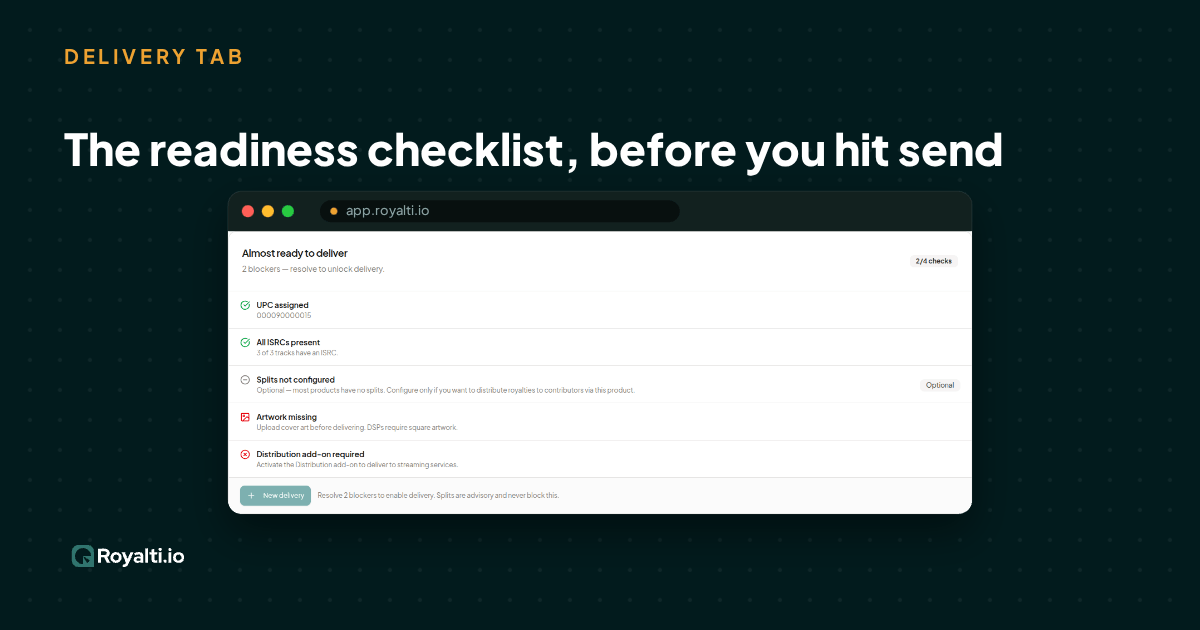
Royalti.io: How We Rebuilt DDEX Delivery
A release can fail on its way to stores without anyone noticing. Here is what broke in our DDEX delivery, how we fixed it, and what you can check first.
AI and Creator Consent 2: Before You Opt In to an AI Music Deal
Your distributor or publisher may already have the right to license your music for AI use. Here is what to ask and what to check for before you say yes.
Comments
No comments yet. Be the first to comment!