5 Ways AI Can Automate Your Royalty Management Workflow
Royalty management workflow but with an AI-powered twist. Discover how automation reduces manual uploads, cuts errors, and saves companies up to...
Intricate, repetitive, and time-consuming, these are words that could aptly describe the hours spent manually uploading royalty statements and running analytics queries. Don't get me wrong, this is still a step up from the trenches that are spreadsheets, but the countless minutes spent troubleshooting processing errors are no joke. So, while Royalti.io already simplifies the royalty management process, what if even that could be made easier?
All the processes mentioned above can be reduced to about 10 minutes using simple sentences. How? Through AI-powered royalty workflow automation, specifically the Royalti MCP server. In the post, we will talk about how you can put this feature to work.
Why Manual Royalty Work Wastes Your Time
Managing royalties for an indie label or digital distributor involves a series of repetitive monthly tasks: downloading statements from Spotify, Apple Music, YouTube Music, Amazon, Tidal, and several other DSPs; uploading them to your royalty platform one by one; waiting for processing; checking for errors; fixing formatting issues; and re-uploading corrected files.
If you have 10 DSPs reporting monthly, that is 120 statements per year. Calculated at an average of 15-30 minutes per file, you are spending roughly 30-60 hours annually just on uploads. When you factor in analytics queries, catalog audits, split configurations, and troubleshooting, that number easily climbs to 80-100 hours per year. That's the equivalent of 2-2.5 weeks of full-time work, time that could be spent on A&R, marketing, or artist development.
Industry benchmarks indicate that manual data entry typically carries an error rate of 1-5%. Without automation, financial workflows such as royalty processing often sit at the higher end of that range.
How AI Changes Everything
The Royalti Model Context Protocol (MCP) server changes how you interact with your royalty data. Instead of clicking through dashboards, writing SQL queries, or manually uploading files, you simply tell Claude what you want in plain English.
The MCP connects Claude AI directly to your Royalti workspace, providing conversational access to every royalty management function. Natural language prompts replace technical syntax and multi-step workflows. This is not hypothetical automation, but a set of tools tested in real-world workflows, with conservative time estimates based on actual MCP server capabilities.
Instant results replace hours of manual processing. According to a 2024 Forrester study on workflow automation, organizations see an average ROI of 248% over three years, with payback periods of under six months.
Now that you understand how automation saves time, why AI is increasingly relevant to royalty management, and you have also configured your MCP server. The next step is applying it. So here are five practical workflows you can use to automate your most time-consuming tasks.
Workflow 1: Bulk Statement Processing
The Manual Way
Downloading royalty files from different DSP portals, each with its own file format, such as Spotify, Apple Music, YouTube, and Amazon, you realize, rather quickly, that you need to upload each file individually to your platform. This involves specifying the source and reporting period, waiting for validation, checking processing status, reviewing error messages, fixing formatting issues in Excel, and re-uploading corrections.
This process takes anywhere from 15-30 minutes per statement. Multiply that by 10 DSPs per month, and you're spending between 2-5 hours on uploads alone, every single month.
The AI Prompt
Drop all your statement files into a folder and ask Claude to:
“Upload all Spotify, Apple Music, and YouTube royalty files from ~/Downloads/statements-2024/ and check processing status”.
The MCP server detects file formats automatically, processes everything in parallel, returns a consolidated status report, and flags errors with actionable suggestions. What took 2-5 hours now takes 10-15 minutes.
Time saved: 2-4.5 hours per month
Workflow 2: On-Demand Analytics Queries
The Manual Way
You need to know which artists generated the most revenue last quarter. So you log into your platform, navigate to the analytics dashboard, filter by date range, filter by artist, export the data to CSV, open it in Google Sheets, create a pivot table, sort by revenue, calculate percentage changes from the previous quarter, and format everything for your monthly board report.
This process could take anywhere from 10-20 minutes per query. Do it five times a month for different artists, different time periods, and different revenue breakdowns, and you've spent 50-100 minutes on analytics that should be instant.
The AI Prompt
“Show me the top 10 earning artists for Q4 2024, broken down by DSP source. Include percentage change from Q3”.
Claude queries your analytics API, aggregates across millions of transaction rows, returns formatted results, and stands ready for follow-up questions. All this in just under two minutes. Want to dig deeper? Just ask. No re-querying, no re-exporting, no pivot tables.
Time saved: 40-85 minutes per month
Workflow 3: Catalog Metadata Audits
The Manual Way
To avoid DSPs rejecting your releases due to incomplete metadata, once a month, you export your entire catalog to CSV. You open it in Excel, apply filters to identify missing ISRC codes, scroll through hundreds of rows looking for blank UPC fields, manually verify contributor credits, create a list of incomplete records, log back into your platform, update each record one by one, re-export to confirm your fixes, and hope nothing was missed.
For a catalog of 100+ releases, this process takes 1-2 hours, and still carries a margin of error, because manual review misses things.
The AI Prompt
“Audit my catalog for missing ISRC codes, UPC barcodes, and contributor credits. Prioritize products with releases in the last 6 months”.
The MCP server searches your entire catalog in seconds, identifies gaps by priority (recent releases first), returns a list sorted by impact, and suggests data sources to fill the gaps. You review, fix, and move on.
Time saved: 45-90 minutes per audit
Workflow 4: Revenue Split Management
The Manual Way
You sign a new artist who works with the same producer on every release. Now you need to create a 70/30 split. 70% to the artist, 30% to the producer, and apply it to all their 2024 releases. You calculate percentages in a spreadsheet, verify they sum to 100%, log into your platform, navigate to splits configuration, create a new split manually, enter the percentages, select the artist, apply it to each release individually, verify the configuration on each one, and set up auto-apply rules for future releases.
This takes 20-40 minutes per split setup, and you repeat it every time you sign new talent or negotiate new producer deals.
The AI Prompt
“Create a 70/30 revenue split for artist "Maya Rivers" and producer "Studio X" for all releases in 2024. Apply to future releases automatically”.
The MCP server creates the split configuration, validates percentages automatically (no spreadsheet needed), applies it to all matching releases with one query, configures auto-apply rules for future releases, and confirms with a summary. What took 40 minutes now takes five.
Time saved: 15-35 minutes per split setup
Workflow 5: Queue Monitoring and Troubleshooting
The Manual Way
Three statements failed processing last night. You refresh the dashboard, click into each job individually, read cryptic error logs ("Row 247: Invalid character in field 'isrc'"), search your documentation for solutions, Google the error code, find a forum post from 2019, try the suggested fix, re-upload the file, wait for processing, and repeat if it fails again.
This takes 10-30 minutes per issue. Two issues per month means you're spending 20-60 minutes troubleshooting errors that an AI could diagnose in seconds.
The AI Prompt
“Check queue status and troubleshoot any failed jobs. Explain the errors and suggest fixes”.
Claude queries queue metrics, identifies failed or stalled jobs, analyzes error messages, and provides plain-English explanations. For example, "The ISRC field in row 247 contains a space; remove it and the file will process". With the suggested remediation steps. You fix, re-upload, and are done.
Time saved: 15-50 minutes per month
After all, “Time is Money”
These five workflows, if used at conservative frequencies, save you approximately 6-9 hours per month. That adds up to 72-108 hours per year, the equivalent of roughly 1.8-2.7 weeks of full-time work.
However, saving you time is only the beginning. Workflow automation studies show that automation can reduce error rates by 40-75% compared to manual processing. That means fewer rejected releases, more accurate royalty calculations, and better artist relationships.
Research also indicates that organizations using automation see productivity gains of 25-30% in automated processes, with 75% reporting that it gives them a competitive advantage.
The 1-10-100 rule reminds us that preventing errors at the data entry stage saves exponentially more than fixing them later. By automating uploads, validations, and audits, you're not just saving time but improving data quality at the point of entry.
Getting Started: Your First Automation
Ready to start automating? Begin with Workflow 1: bulk statement processing:
- Gather your statements: Download files from all DSPs for the current month
- Organize them: Drop them into a single folder (e.g., ~/Downloads/statements-december/)
- Try the prompt: Ask Claude to upload and process them all
- Review the results: Check the processing status and verify everything loaded correctly
- Iterate: Ask follow-up questions, request analytics, or troubleshoot any issues
Once you're comfortable with bulk processing, add analytics queries (Workflow 2), then catalog audits (Workflow 3). By the time you've mastered all five workflows, you'll have automated 80% of your repetitive royalty tasks.
Remember, the MCP server is already configured (thanks to the Setup Guide). You're one sentence away from saving hours of work.
What's Next: Advanced Workflows
These five workflows are just the beginning. As you get more comfortable with natural language automation, you can start combining workflows: upload statements, audit metadata, create splits, and generate reports with a single conversation. You can also create custom prompts for your specific needs.
Need to identify revenue anomalies? Track payment timelines by DSP? Generate forecasts based on historical data? The MCP server's tools support all of it.
And the Royalti team is actively expanding capabilities. Upcoming features include anomaly detection (automatically flag unusual revenue patterns), predictive forecasting (project future earnings based on trends), and advanced troubleshooting prompts (diagnose complex processing errors with AI guidance).
Join the community: share your workflows, learn from other labels and distributors, and help shape the future of AI-powered royalty management. Tag your wins with #RoyaltiMCP on Twitter and LinkedIn.
Series Navigation:
- Part 1: What is MCP? AI Assistants Meet Your Royalty Platform
- Part 2: 5 Ways AI Can Automate Your Royalty Management Workflow (YOU JUST READ)
IntricateSetup Guide: How to Connect to the Royalti MCP Server
Conclusion
Manual royalty work doesn't scale. Your catalog grows, your roster expands, but your admin workload multiplies. AI automation changes that equation.
With the Royalti MCP server, five simple prompts replace hours of clicking, exporting, and troubleshooting. You get more accurate data, faster insights, and better artist relationships, all while freeing up 6-9 hours per month for strategic work.
The shift isn't just about time. It's about accessibility. Your catalog can scale without your workload scaling with it. Start with one workflow today. Then another next week. Within a month, you will wonder how you ever managed royalties manually.
Ready to automate? Set up the Royalti MCP in your AI Assistant and try your first workflow today. Share your time-saving wins on Twitter or LinkedIn with #RoyaltiMCP—we'd love to hear how AI is transforming your royalty workflow.
Sources
Industry statistics and research studies:
- 50+ Workflow Automation Stats & Trends You Can't Ignore in 2026 - Kissflow
- Workflow automation statistics: adoption, performance, and ROI [2025] - BigSur AI
- What's a Good Data Entry Error Rate? Benchmarks + How to Reduce Yours - Conexiom
- 67 Data Entry Statistics For 2025 - DocuClipper
- Whatthe 1-10-100 Rule Means In Data Entry Errors - Magellan Solutions
- How to Achieve Low Error Rates in Your Finance Function - QBSS
- The ROI of Automation: Understanding the Impact on Your Business - Camunda (June 2024)
- Boost efficiency and increase ROI with next-level process automation - Microsoft Power Platform Blog (Forrester 2024 study)
- Exploring 2024's Music Industry Trends in Royalty, Licensing, DRM, & Supply Chain - Medium
- State of the Music Industry 2024: Trends and Challenges - iMusician
- The Future of Music Royalties in 2024: Predictions and Trends - Royalty Exchange
Time estimates are based on typical workflow patterns and Royalti MCP Server capabilities as documented in the MCP Server Documentation.
About the author
Keep reading
All posts →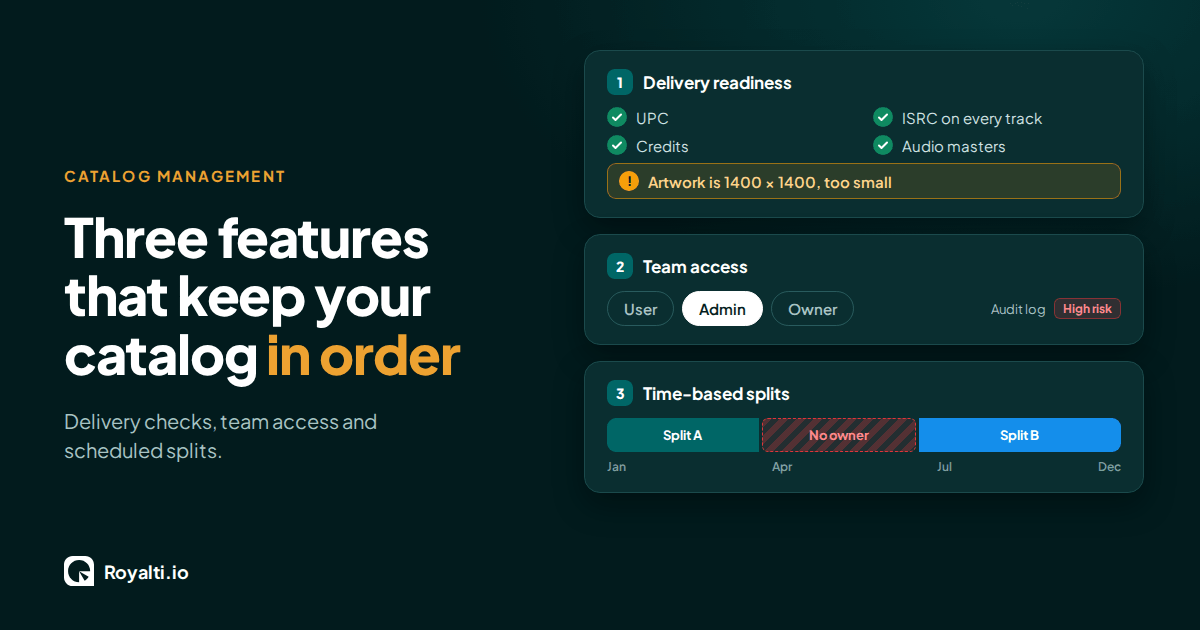
Royalti.io: Three Features That Keep Your Catalog in Order
Delivery checks that stop bad releases, team access you can trust, and splits that change on schedule. Here is how each one works in Royalti.io
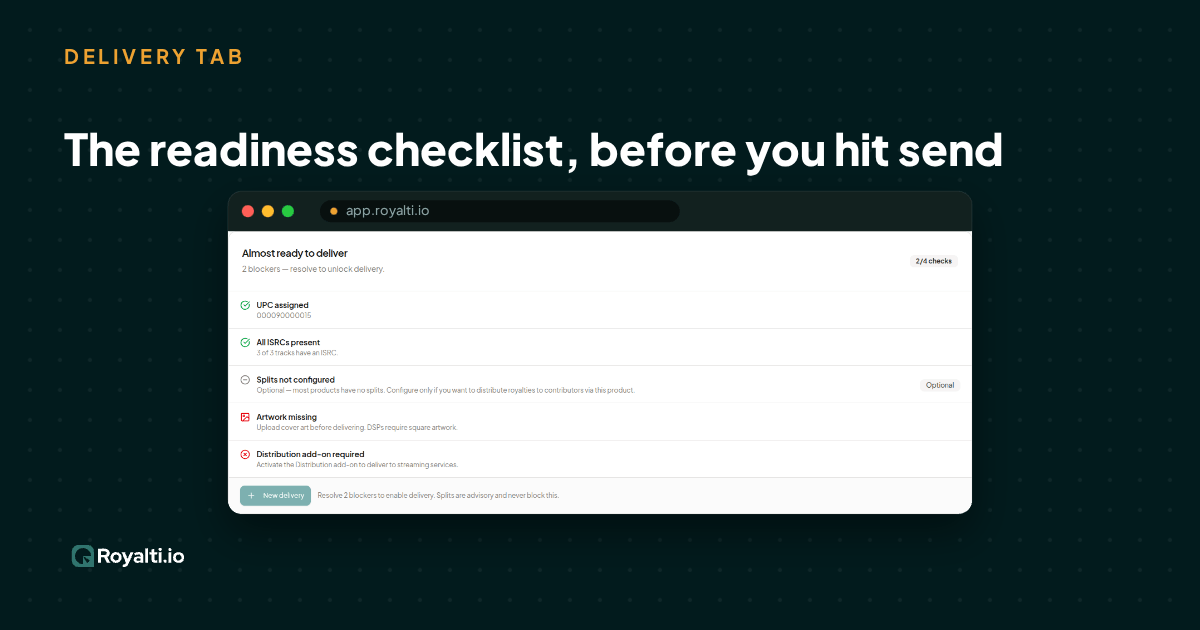
Royalti.io: How We Rebuilt DDEX Delivery
A release can fail on its way to stores without anyone noticing. Here is what broke in our DDEX delivery, how we fixed it, and what you can check first.
AI and Creator Consent 2: Before You Opt In to an AI Music Deal
Your distributor or publisher may already have the right to license your music for AI use. Here is what to ask and what to check for before you say yes.
Comments
No comments yet. Be the first to comment!