Reconciling Publishing Statements Without Losing Your Mind
Registering your music is the easy part. Making sure you were actually paid what you are owed- that is where Royalti.io's reconciliation tool comes in.
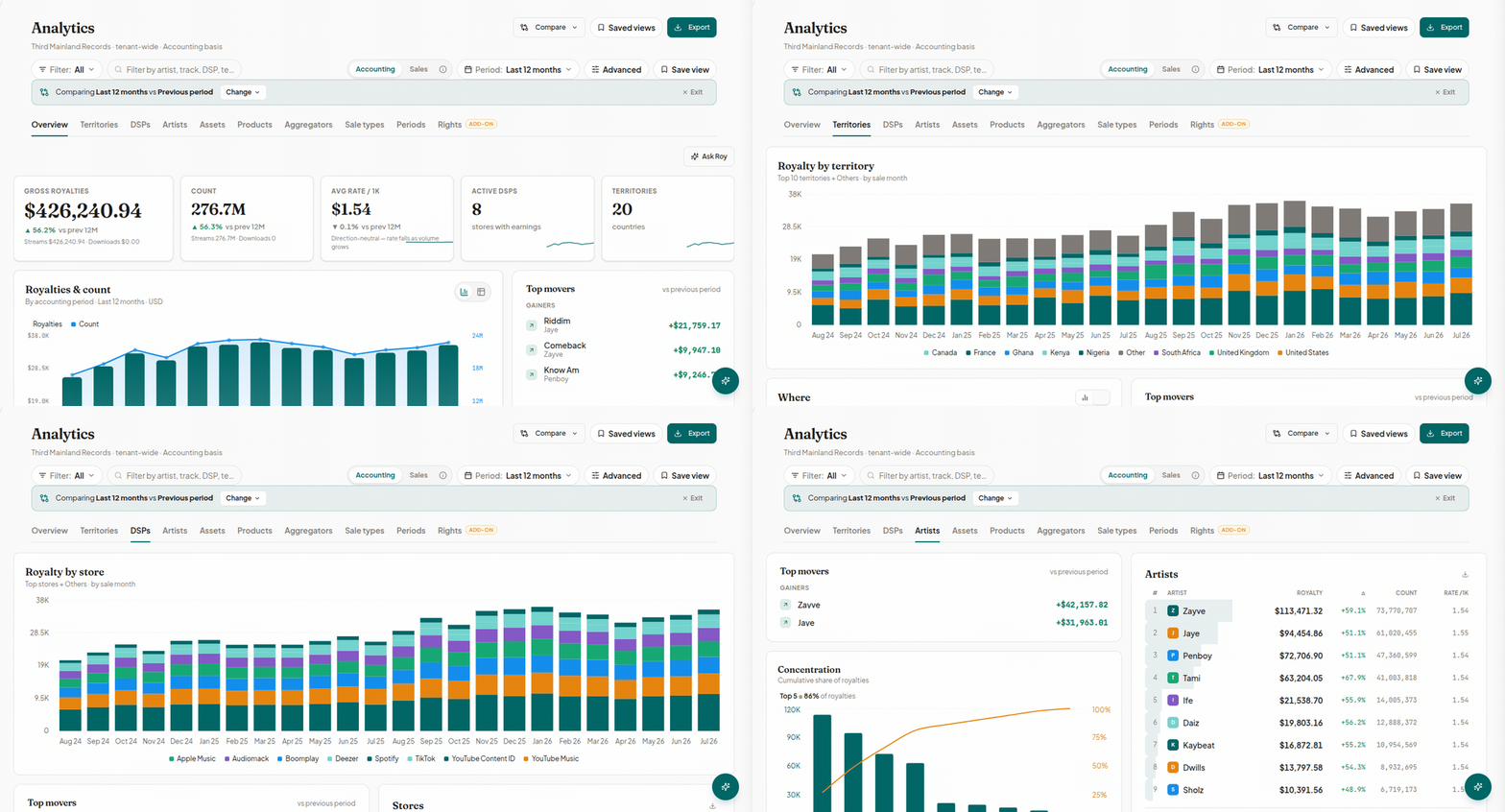
Ask any music publisher, and they would tell you that the gap between registration and royalty payments is silently filled with arduous, repetitive work. Registering your work with a Performance Rights Organization (PRO) is the easy part, because while registering a work with a PRO tells the world who owns the song and where to route your royalties, it is still someone’s responsibility to ensure that the royalty statement that shows up later actually pays you what you are owed.
The Spreadsheet Problem
PROs will send out royalty statements on their own schedules, in their own file formats, using their own column names and structures. For example: BMI sends a pipe-delimited text file, while ASCAP sends a CSV with its own column names, and MLC sends JSON. None of them match each other or automatically match your catalog, for that matter, and that is where the difficult part is.
It is the responsibility of whoever is managing your publishing to manually open each statement, paste the numbers into a spreadsheet, and check, line by line, whether what the PRO paid actually matches your registered splits. Now imagine doing that for one artist’s catalog, then another and another, for every reporting cycle, without errors.
And then there is Royalti.io’s publishing reconciliation screen, built specifically to make this process easier.
So What Does This Tool Actually Do?
With this tool, Royalti.io takes in statements from multiple PROs in their different formats and automatically compares each line against the works and splits already registered on the platform. It flags any discrepancies above a set threshold, keeps a record of any dispute, and lets you track what has been paid and to whom. However, this process is a little more elaborate than that, so stay with me as I explain it in more detail.
How it Works
You will find the reconciliation feature under Publishing > Reconciliation for accounts on the Publisher add-on. When you register works and writers in the Royalti.io publishing module, this will be the information against which it compares statements down the line.
You can ingest statements from Broadcast Music, Inc (BMI), the American Society of Composers, Authors, and Publishers (ASCAP), and the Mechanical Licensing Collective (MLC) with their varying file formats. And even when you upload statements manually from SOCAN or GEMA, it still fits the same workflow without forcing you into someone else's file format.
Before it saves anything, Royalti.io checks the file's declared currency, period, and total against what you are reconciling. If something does not add up, that statement will not load; instead, you will get a structured report of exactly which fields are off.
Matching, Not Just Importing
The tool matches each line to the right work and the correct songwriter, and every line is assigned a status: unmatched, matched, disputed, or ignored. You can either match lines individually or use auto-match for the obvious ones and manually make judgment calls where necessary. It does not change your calculated statement without your say so, and all matched or disputed lines are retained as an audit trail.
When the Numbers Don’t Line Up
Let’s be honest, spreadsheets can only do so much. They were never built for flagging when what a PRO reported does not match what your catalog says you are owed.
The Royalti.io reconciliation feature not only compares each ingested line against your calculated breakdown by territory and right type, but also flags anything more than 5% off by default. And the best part is, you can tighten or loosen that threshold per account if your catalog runs tighter margins. And when it flags a discrepancy, it does not discard that record; it carries it in a comment thread so you can log why a variance is being disputed and use it as a reference the next time you reconcile that statement.
Built On Top of Your Catalog, Not Instead Of It
Remember, the reconciliation is not a standalone tool. The only reason it works is because your works, writers, and splits are already registered in Royalti.io's publishing module. Without that catalog data, there would be nothing to match statements against. Once a statement is reconciled, you can track payout status per writer and per work in one place, drill into any line for the underlying breakdown, and generate a clean, formatted PDF to send directly to a writer or sub-publisher.
Yes, the tool still calls for human judgment; after all, someone has to decide whether a disputed line is a PRO error or a registration gap. But it eliminates the hours spent finding the discrepancy in the first place, leaving valuable time for everything else.
So, if you are a label or publisher currently reconciling statements by hand, why not try Royalti.io’s Publisher add-on and see how it handles your next statement.
About the author
Keep reading
All posts →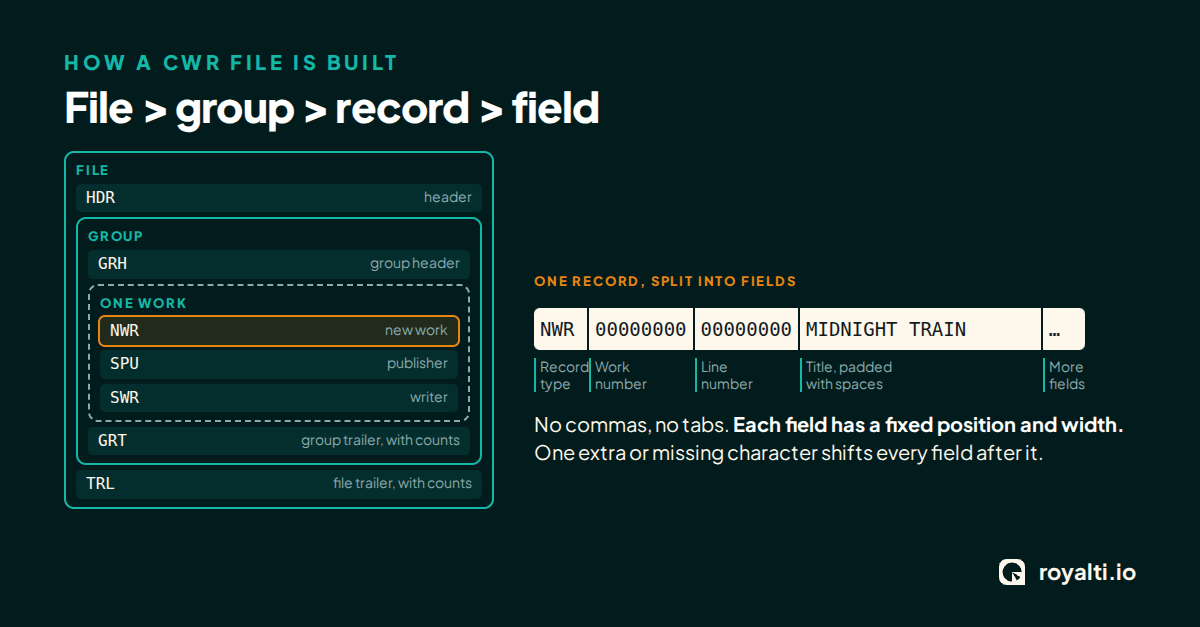
Why CWR Files Get Rejected (And How to Spot It First)
Five common reasons a CWR file stalls: record structure, share totals, case and line endings, identifiers, and spreadsheet edits. Check yours free.
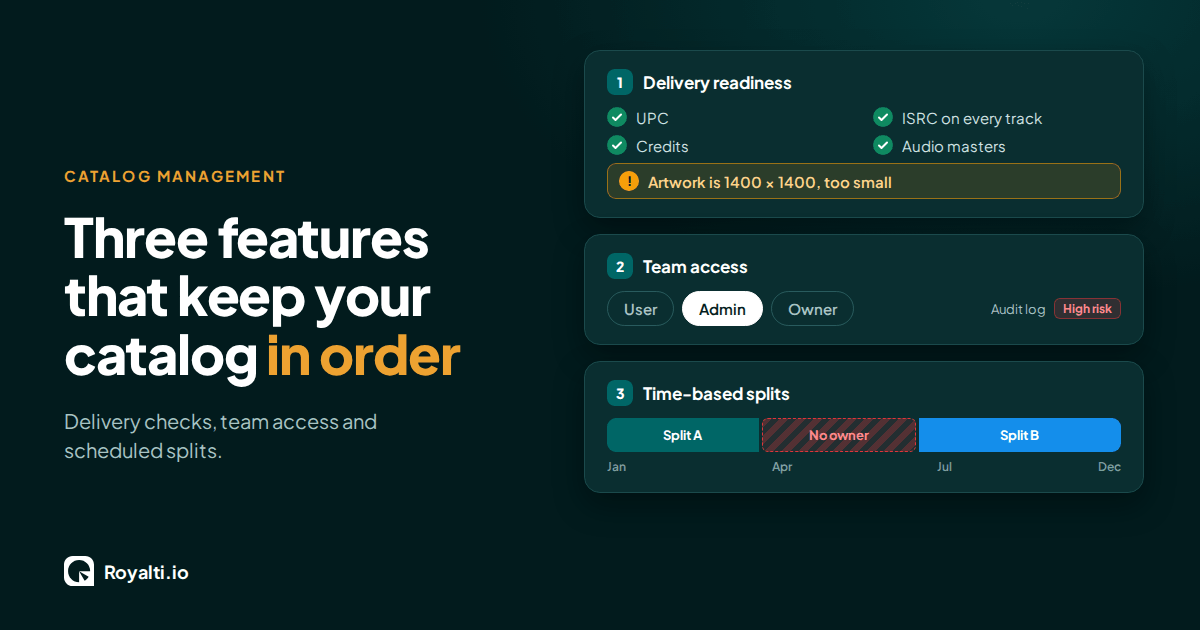
Royalti.io: Three Features That Keep Your Catalog in Order
Delivery checks that stop bad releases, team access you can trust, and splits that change on schedule. Here is how each one works in Royalti.io
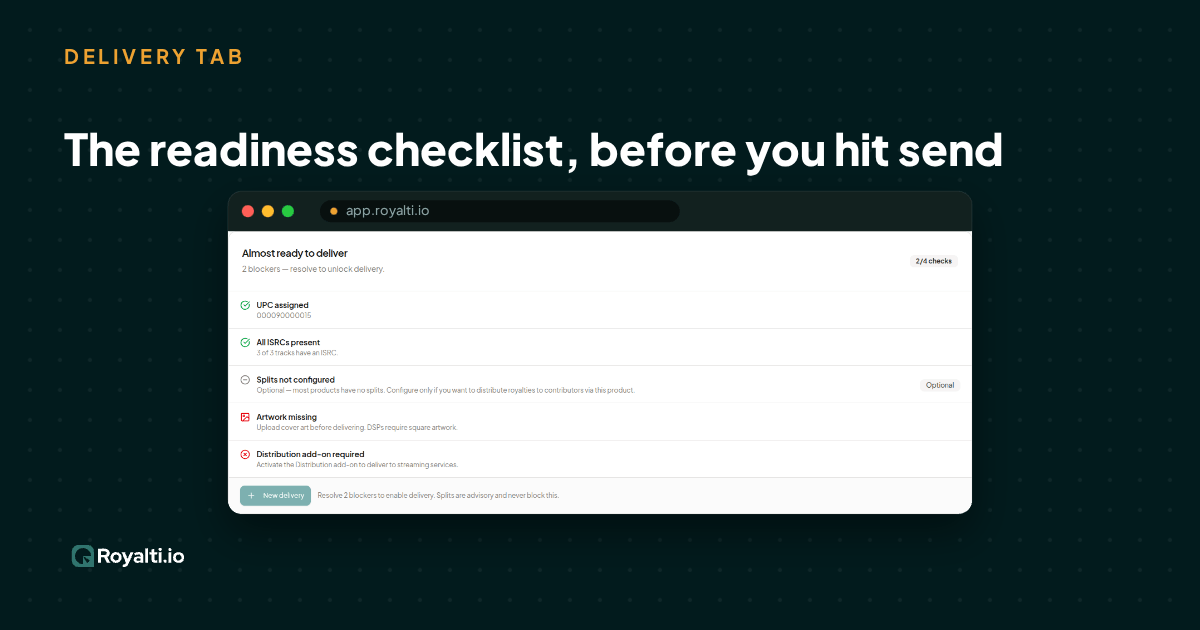
Royalti.io: How We Rebuilt DDEX Delivery
A release can fail on its way to stores without anyone noticing. Here is what broke in our DDEX delivery, how we fixed it, and what you can check first.
Comments
No comments yet. Be the first to comment!