Teaching Your AI Assistant About Your Label
Roy already knows your royalty data. But what about the standing instructions your team lives by? Here is how the knowledge base fills that gap.
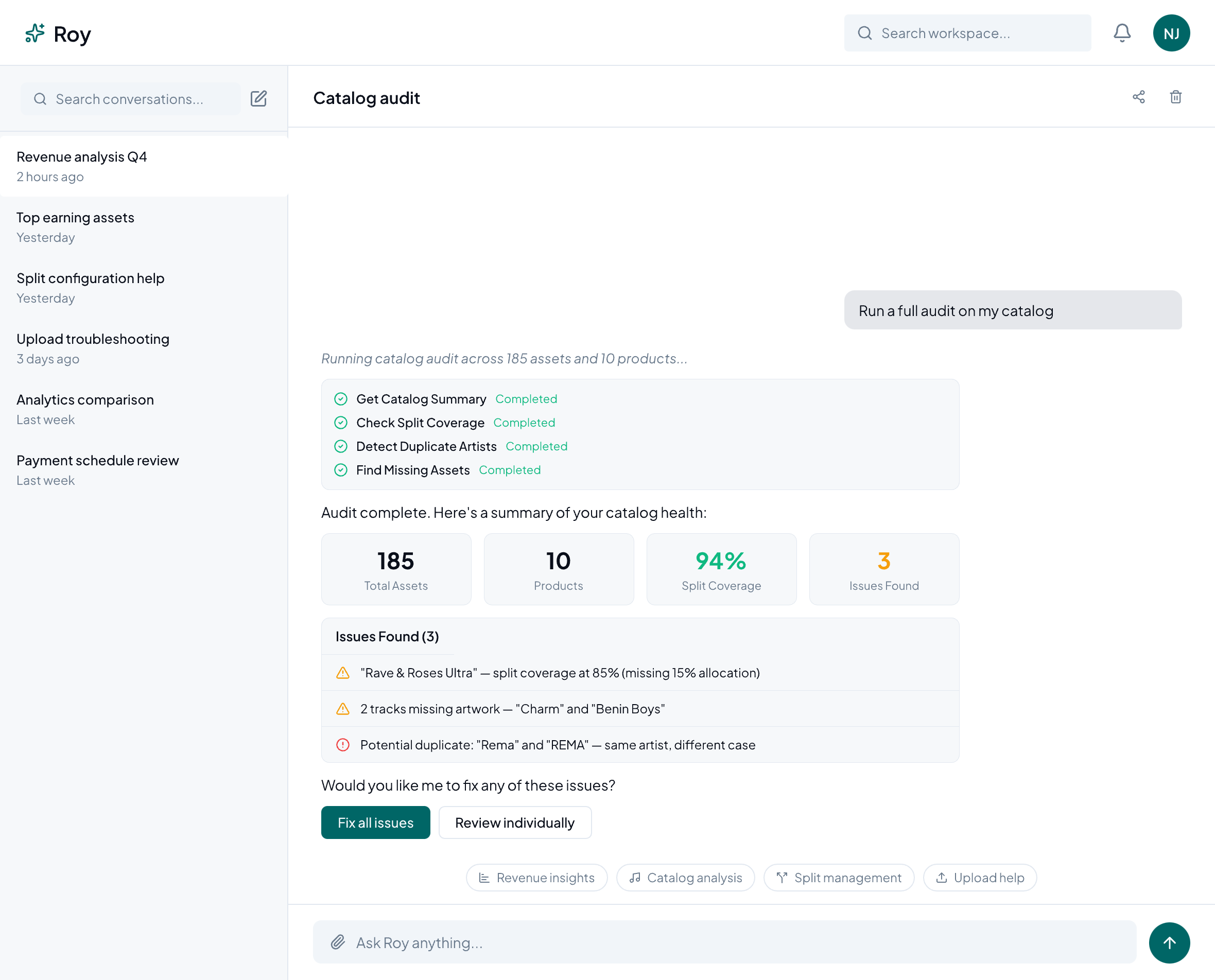
“Roy” has the capacity to answer questions from your royalty data; that much we have established in our previous blog posts. It is designed to never give you just a generic response, but answers that are grounded in your actual catalog and data. Real, tangible numbers; that much it can read. But if you need it to be more than just a numbers repository, then you must equip its knowledge base with the right resources. Let me explain.
More Than Just a Tool
Every label runs on conventions that a generic assistant cannot guess; for example, split defaults when a contract is silent on it, contract terminology, or perhaps standard notes given to every new admin about how disputes can be escalated. Because information such as this does not live in your catalog data, you end up repeating yourself to Roy in every session, over and over again, every time it is relevant to a question. The best solution is to teach the AI assistant a set of rules, stored in its knowledge base. When you ask it something relevant, it simply searches this knowledge base and pulls in the pieces that actually apply to your question.
What Does It Take to Teach an AI Assistant?
To add information into your knowledge base for Roy, go under Settings > Knowledge Base. Once there, you can add label-specific context in four ways:
- Text: By pasting a policy or standing instruction directly.
- File upload: Upload a document, and Roy processes it in the background.
- URL: By directing it to a page, such as an internal wiki article, and it will import the content.
- FAQ: By establishing structured question-and-answer pairs for things you get asked often.
Each entry you add goes through a visible pending → processing → active status, so you can see when the information is saved and usable. You can always edit, retry, or delete a source later, so you don't have to get the wording right the first time. Nothing here requires touching code or a config file, but it is admin-only and entirely opt-in.
How Roy Uses Its Knowledge Base
For starters, it uses it to answer questions specific to your concern at that moment, without needing you to repeat information you have already provided. This information is not just a wall of text pasted into every conversation; it is embedded behind the scenes. Roy searches the knowledge base and pulls in the pieces that actually apply to your question, the same way it searches your catalog and royalty data to answer things.
So adding ten pages of label documentation would not slow Roy down or dilute its focus on data you didn't ask about. It will only surface what is relevant to what you asked. Most importantly, what you teach Roy about your label doesn't show up in anyone else's account; its answers reflect only what you actually told it, not a generic template shared across every label on Royalti.io.
For example, if your standard split for a feature is 70/30 unless the contract says otherwise, when you add that information as an FAQ entry once, the next admin who asks Roy, "What split should I use for this feature?" gets your label's actual default back.
Where This Fits With the Rest of “Ask Roy”
Think of the knowledge base feature as an extension of what already exists within “Ask Roy”. Roy already reaches into your catalog, revenue, splits, and releases through purpose-built tools, and it already runs guided workflows for things like catalog audits and file imports. The knowledge base adds a third layer: the operational context.
Recently, “Ask Roy” moved to a proper home base and now has role-aware guardrails, a dedicated launchpad instead of a floating chat bubble, allowing artists on your roster to see only their own data. Combine these features with a knowledge base scoped to your tenant, and it grants the ability to shape the assistant your team uses and the one an artist on your roster uses, each by rules and context specific to your label, without either one leaking into the other.
Getting Started
If your team keeps fielding the same questions from Roy that a written policy could answer instead, this is exactly the gap the knowledge base was built for. Start small: add that one FAQ your admins get asked the most. The next time someone asks Roy a question that used to require checking with you first, guess what, they won’t need to.
Teach Roy about your label under Settings > Knowledge Base in your Royalti dashboard.
About the author
Keep reading
All posts →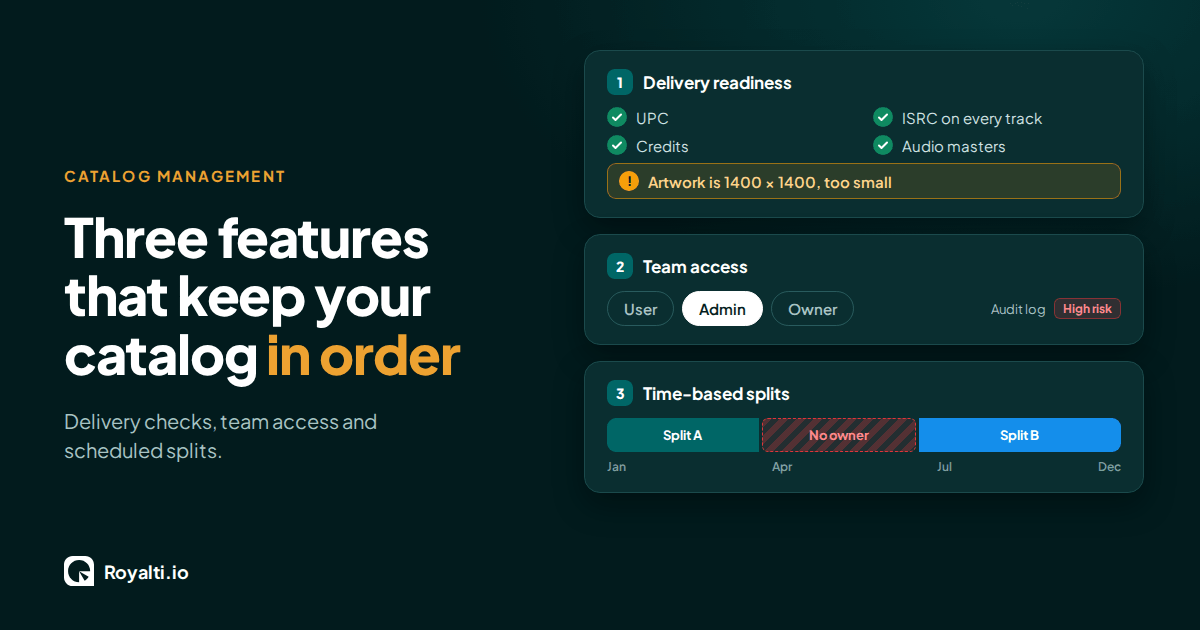
Royalti.io: Three Features That Keep Your Catalog in Order
Delivery checks that stop bad releases, team access you can trust, and splits that change on schedule. Here is how each one works in Royalti.io
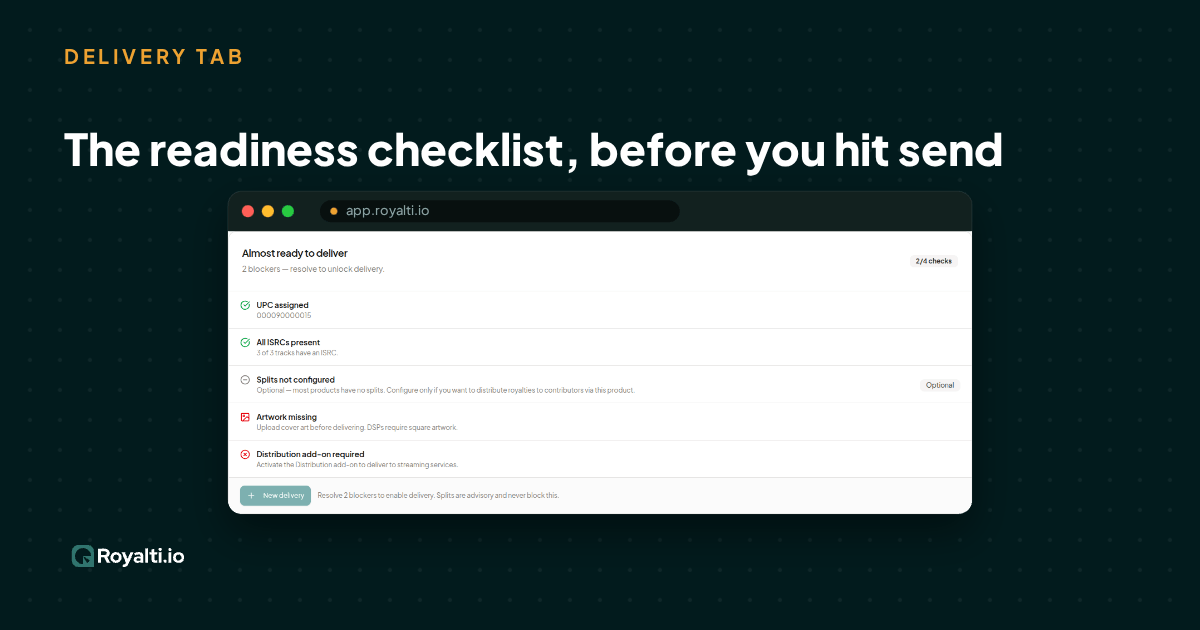
Royalti.io: How We Rebuilt DDEX Delivery
A release can fail on its way to stores without anyone noticing. Here is what broke in our DDEX delivery, how we fixed it, and what you can check first.
AI and Creator Consent 2: Before You Opt In to an AI Music Deal
Your distributor or publisher may already have the right to license your music for AI use. Here is what to ask and what to check for before you say yes.
Comments
No comments yet. Be the first to comment!